CodeDeploy Agent
CodeDeploy Agent (thông qua EC2 Connect / Session Manager)
Chúng ta cần cài đặt CodeDeploy Agent trên EC2 instance để AWS CodeDeploy có thể giao tiếp với nó và triển khai ứng dụng của bạn. Có hai cách phổ biến để cấu hình CodeDeploy Agent: kết nối thủ công vào instance hoặc sử dụng User Data trong quá trình khởi tạo.
Cách 1: Cài đặt thủ công
- Đầu tiên, chúng ta phải gắn IAM Role cho instance này. Truy cập vào EC2 console.
- Chọn instance của bạn, nhấp vào Actions -> Security -> Modify IAM role.
- Từ menu thả xuống IAM role, chọn EC2InstanceProfileRole (role mà chúng ta đã tạo trước đó) và nhấp vào Update IAM role (hoặc Save).
Khi bạn kích hoạt quá trình triển khai (deployment), mã nguồn của bạn thường được lưu trữ dưới dạng tệp nén trong Amazon S3 bucket. Các quyền s3:Get* và s3:List* trong IAM role này cho phép CodeDeploy Agent đang chạy bên trong EC2 instance của bạn kết nối đến S3, tìm mã nguồn và tải xuống instance để tiến hành cài đặt.
Mẹo: Nếu không có IAM role này, quá trình triển khai của bạn sẽ thất bại ở giai đoạn DownloadBundle với lỗi “Access Denied” (Từ chối truy cập) vì EC2 instance không có quyền mở S3 bucket chứa mã nguồn của bạn.
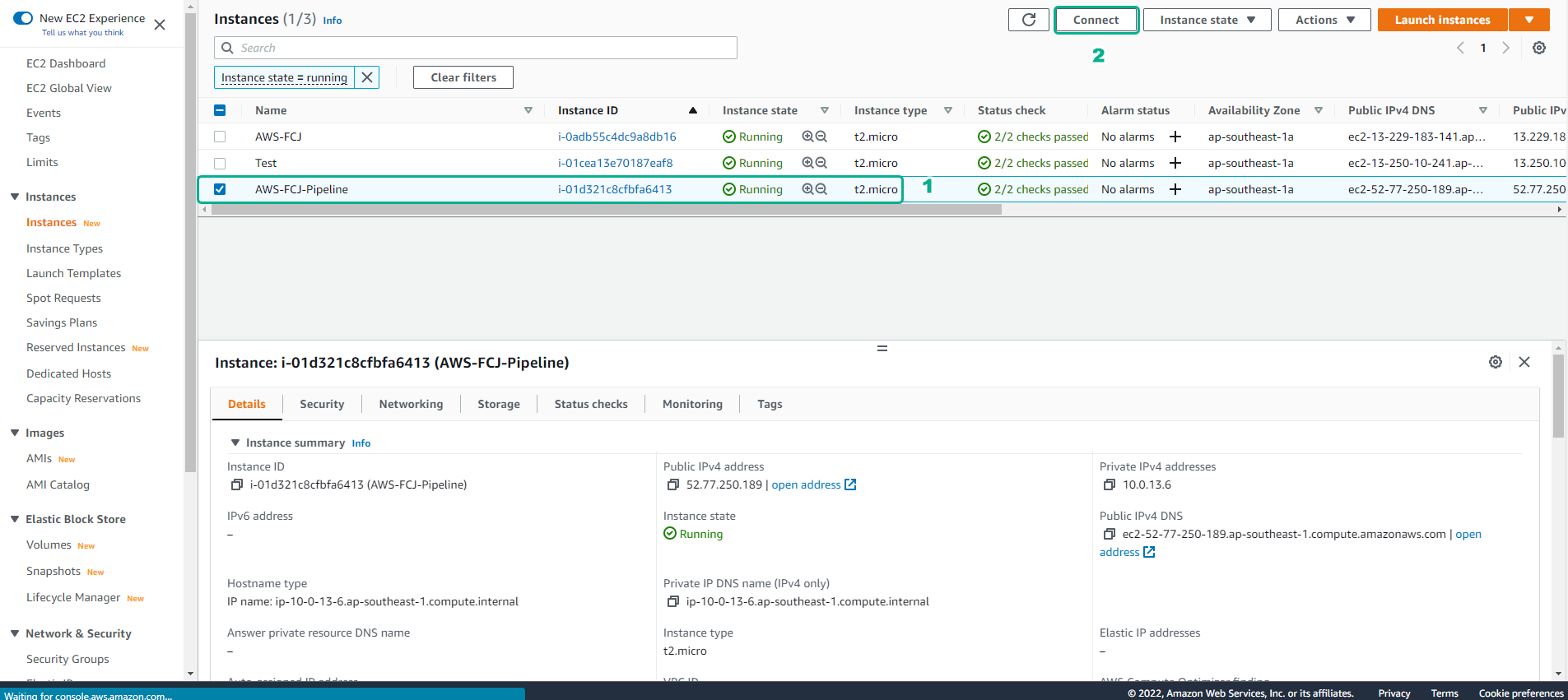
- Tiếp theo, quay lại EC2 console.
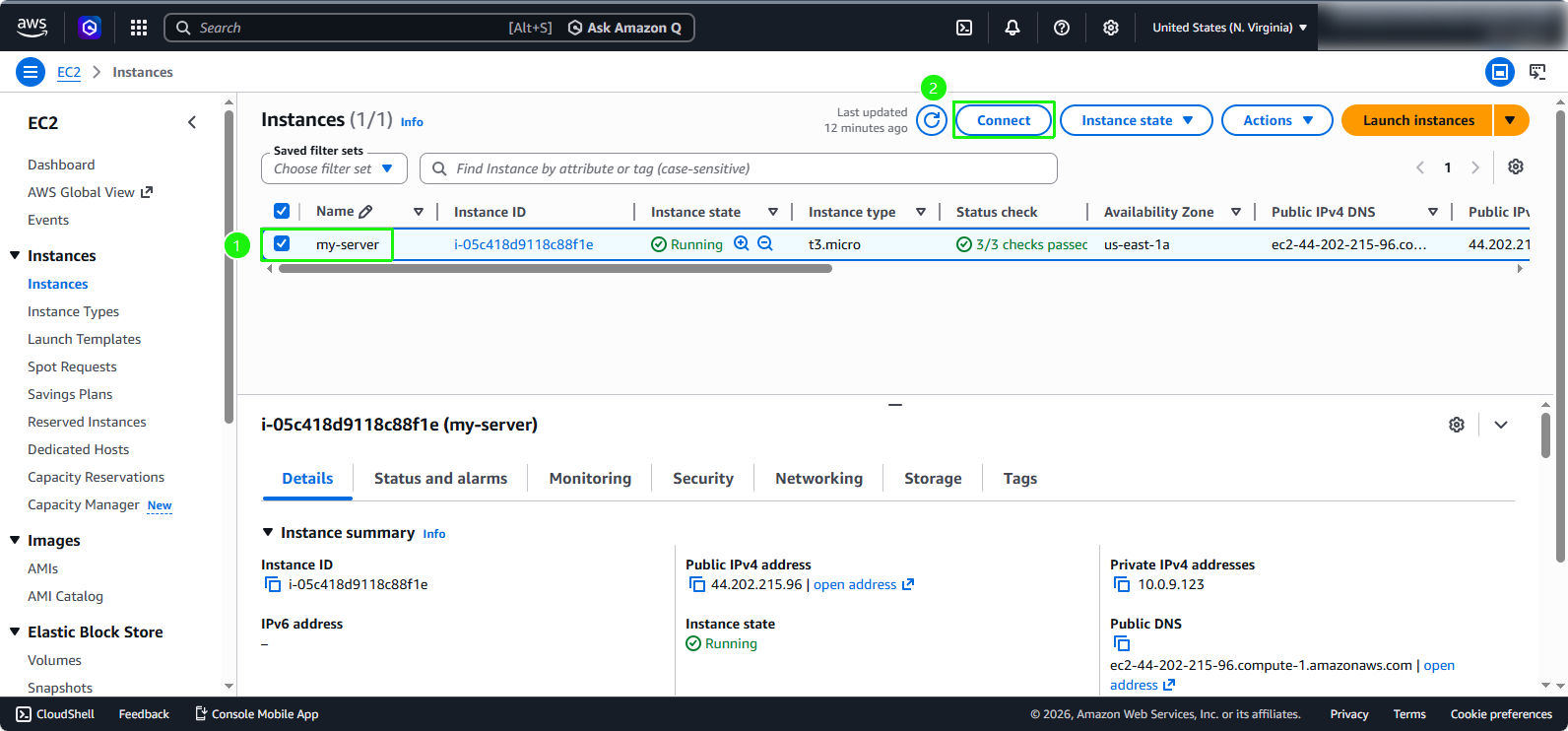
- Chọn EC2 instance mà bạn muốn triển khai ứng dụng (ví dụ:
my-server). - Nhấp vào nút Connect ở phía trên.
- Chọn EC2 instance mà bạn muốn triển khai ứng dụng (ví dụ:
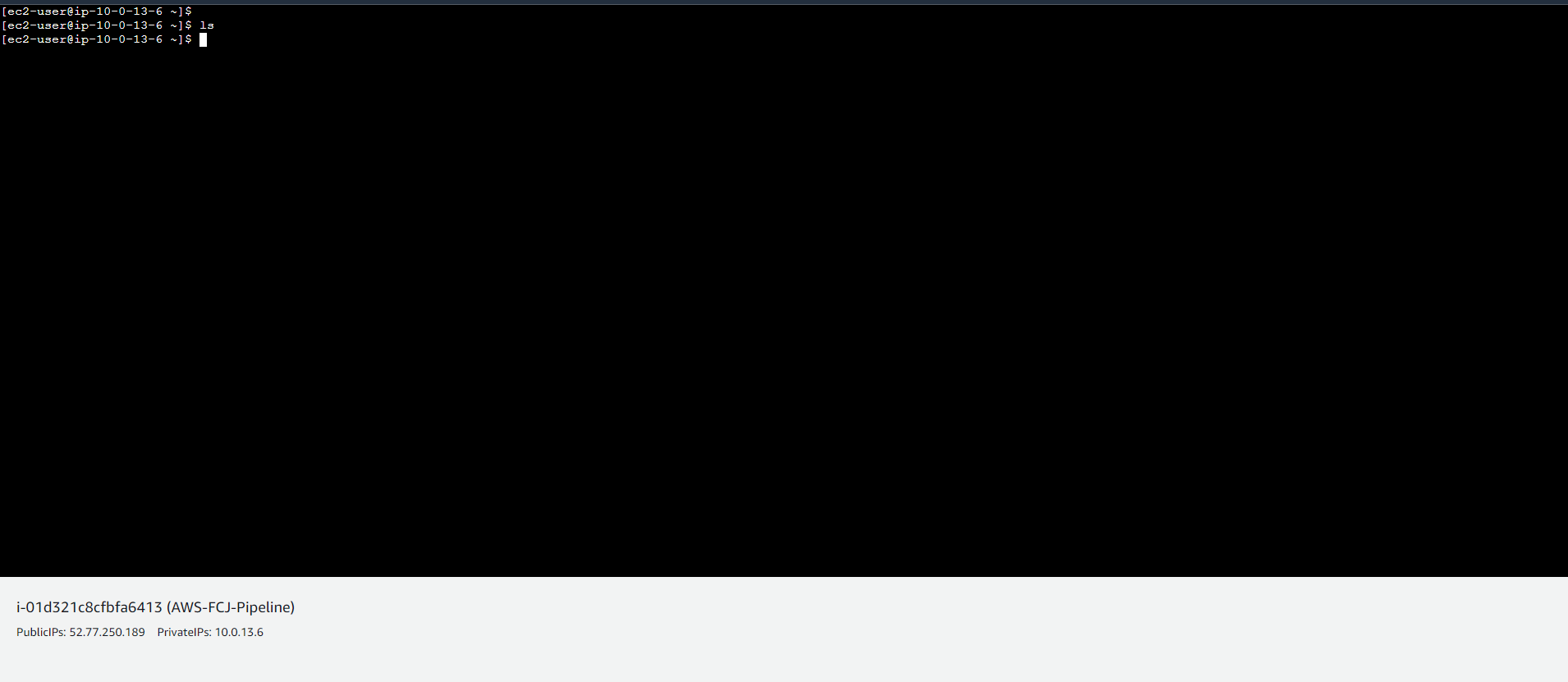
- Bạn sẽ được chuyển hướng đến giao diện kết nối.
- Tại mục Connection type, chọn Connect using EC2 Instance Connect (hoặc Session Manager nếu đã được cấu hình).
- Nhấp vào nút Connect.
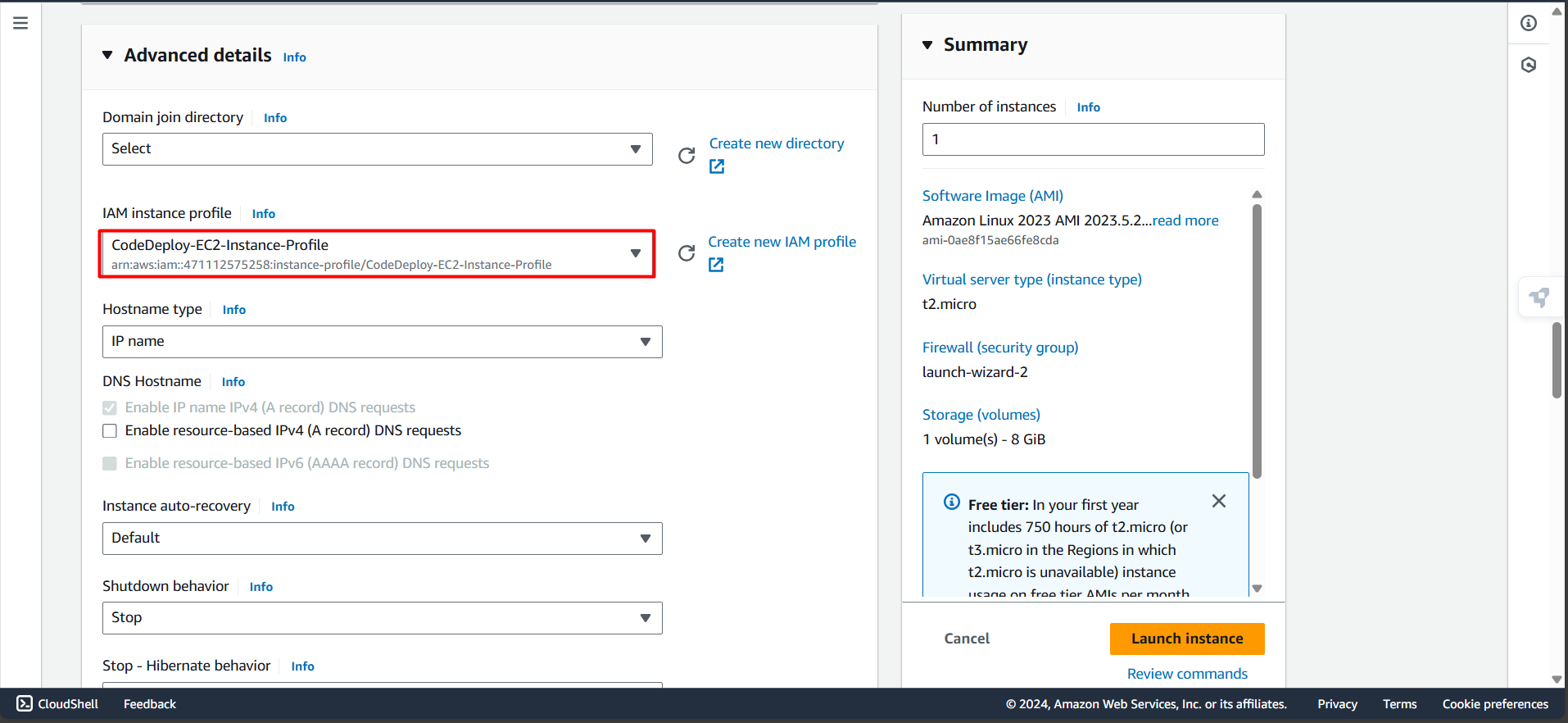
- Khi terminal mở ra, hãy thực thi các lệnh sau để cài đặt CodeDeploy Agent:
Lưu ý quan trọng: Đảm bảo bạn sao chép toàn bộ khối code bên dưới và dán vào terminal. Hãy nhấn Enter để chắc chắn rằng lệnh cuối cùng được thực thi.
# 1. Obtain Token to access Metadata (IMDSv2)
TOKEN=$(curl -X PUT "http://169.254.169.254/latest/api/token" -H "X-aws-ec2-metadata-token-ttl-seconds: 21600") &&

# 2. Automatically obtain Region from internal IP
REGION=$(curl -H "X-aws-ec2-metadata-token: $TOKEN" -s http://169.254.169.254/latest/meta-data/placement/availability-zone | sed 's/[a-z]$//') &&

# 3. Update system and install necessary packages
sudo dnf update -y &&
sudo dnf install -y ruby wget python3-pip &&

# 4. Download and install CodeDeploy Agent
cd /home/ec2-user &&
wget https://aws-codedeploy-$REGION.s3.amazonaws.com/latest/install &&
sudo chmod +x ./install &&
sudo ./install auto &&

# 5. Cleanup and verify service status
rm -f ./install &&
sudo systemctl enable codedeploy-agent &&
sudo systemctl start codedeploy-agent &&
sudo systemctl status codedeploy-agent
CodeDeploy Agent thông qua EC2 User Data
Cách 2: Cài đặt tự động qua User Data
Bạn chỉ cần thực hiện Cách 1 HOẶC Cách 2. Nếu bạn đã hoàn thành Cách 1 ở trên, bạn có thể bỏ qua phần này. Phương pháp này chỉ ra cách bạn có thể tự động hóa việc cài đặt ngay từ lúc khởi tạo EC2 instance.
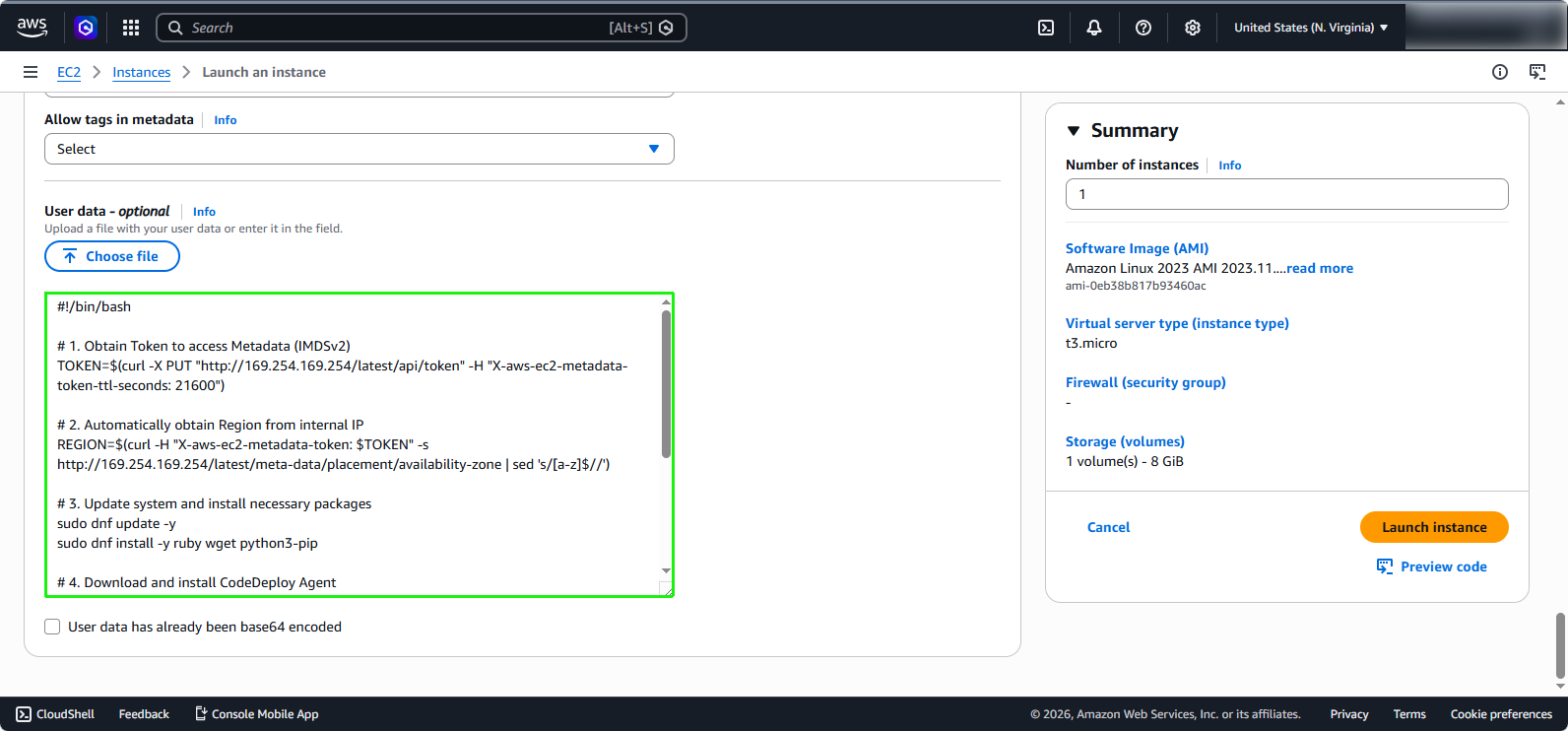
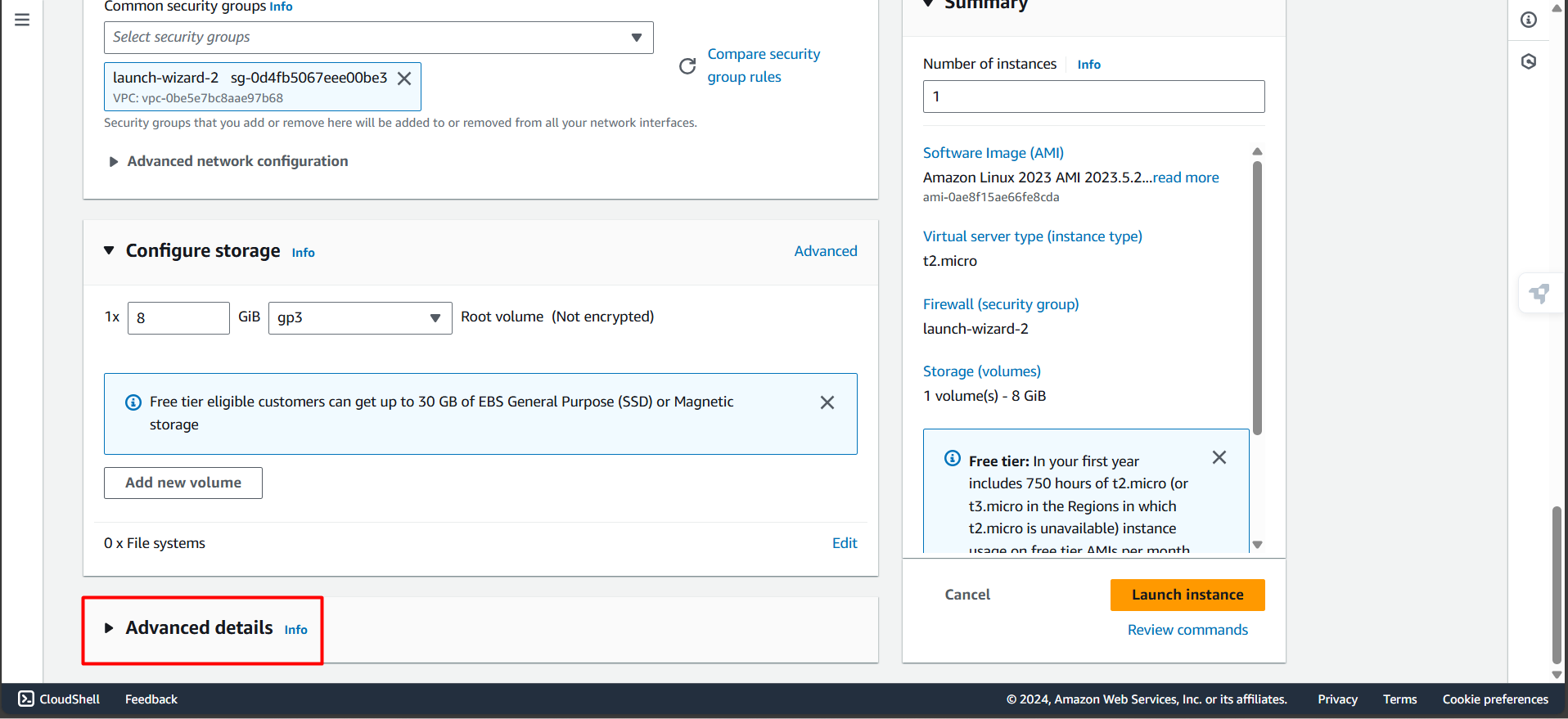
- Khi tạo EC2 Instance, bạn có thể thêm user data để tự động cài đặt CodeDeploy Agent khi máy chủ khởi động. Cuộn xuống và mở rộng phần Advanced details.
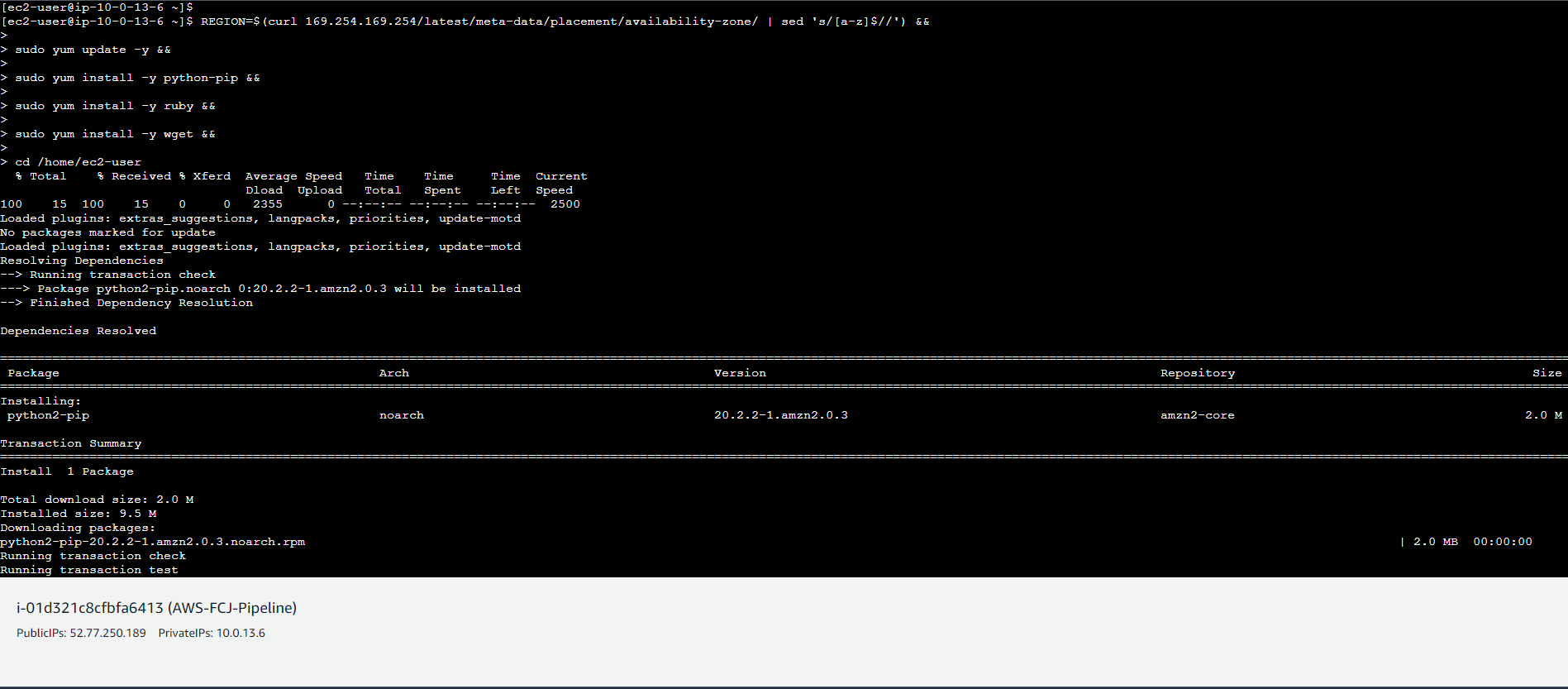
- Tại mục IAM instance profile, bạn cũng có thể trực tiếp chọn EC2InstanceProfileRole để không phải gắn nó sau này.

- Cuộn xuống dưới cùng và tiến hành thêm đoạn mã sau vào trường User data:
#!/bin/bash

# 1. Obtain Token to access Metadata (IMDSv2)
TOKEN=$(curl -X PUT "http://169.254.169.254/latest/api/token" -H "X-aws-ec2-metadata-token-ttl-seconds: 21600")

# 2. Automatically obtain Region from internal IP
REGION=$(curl -H "X-aws-ec2-metadata-token: $TOKEN" -s http://169.254.169.254/latest/meta-data/placement/availability-zone | sed 's/[a-z]$//')

# 3. Update system and install necessary packages
sudo dnf update -y
sudo dnf install -y ruby wget python3-pip

# 4. Download and install CodeDeploy Agent
cd /home/ec2-user
wget "https://aws-codedeploy-$REGION.s3.amazonaws.com/latest/install"
chmod +x ./install
sudo ./install auto

# 5. Cleanup and verify service status
rm -f ./install
sudo systemctl enable codedeploy-agent
sudo systemctl start codedeploy-agent
sudo systemctl status codedeploy-agent