AWS CodePipeline
AWS CodePipeline
After using AWS CodeCommit to push the code from the local machine, we build through AWS CodeBuild and use AWS CodeDeploy to deploy the application to EC2. Now we will use AWS CodePipeline to create the CI/CD pipeline for the application.
What is AWS CodePipeline? AWS CodePipeline is a fully managed continuous delivery service that helps you automate your release pipelines for fast and reliable application and infrastructure updates. CodePipeline automates the build, test, and deploy phases of your release process every time there is a code change, based on the release model you define.
- In the AWS Management Console search bar, enter CodePipeline and select CodePipeline from the results dropdown.
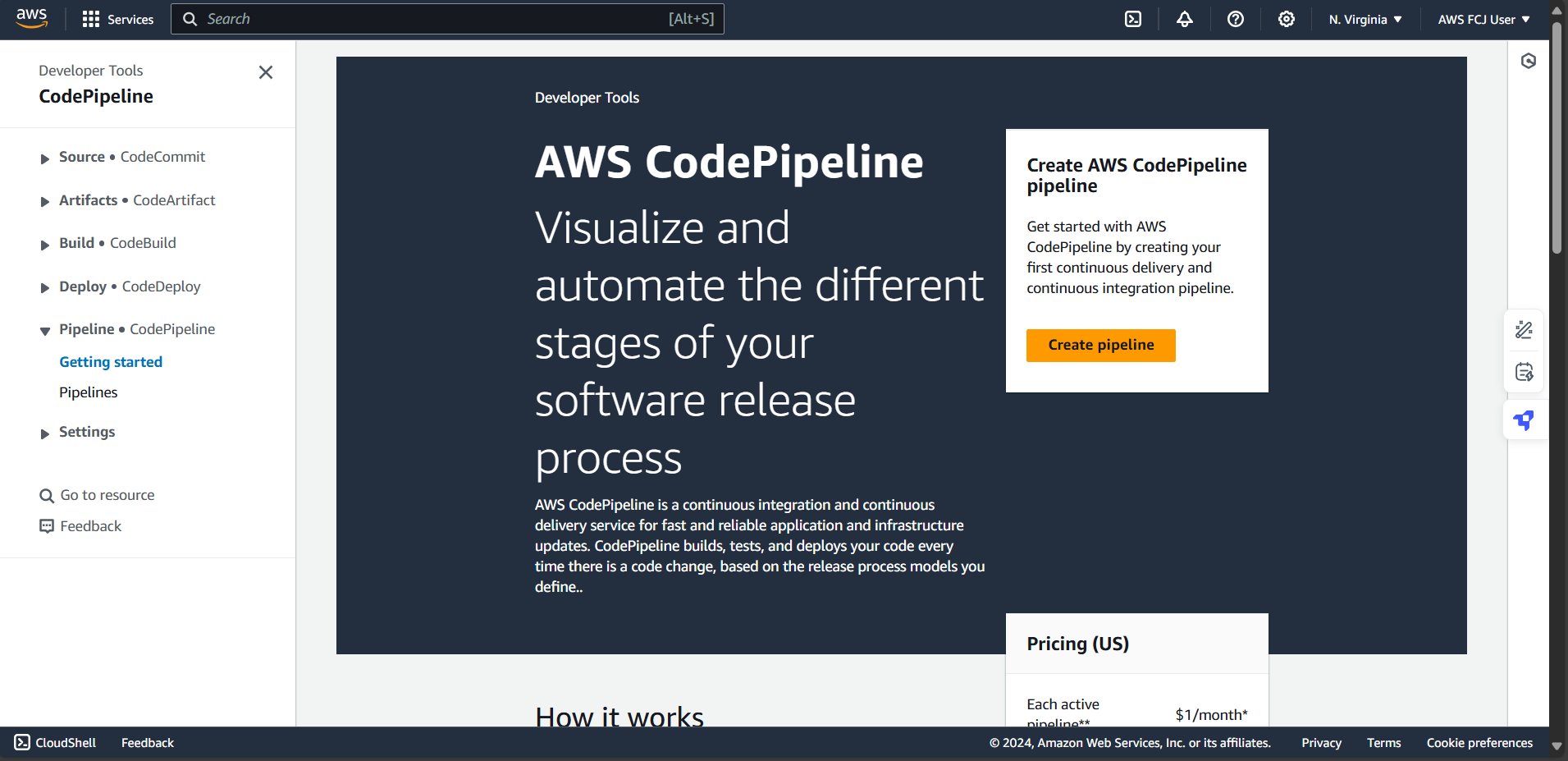
- On the CodePipeline console, click Create pipeline.
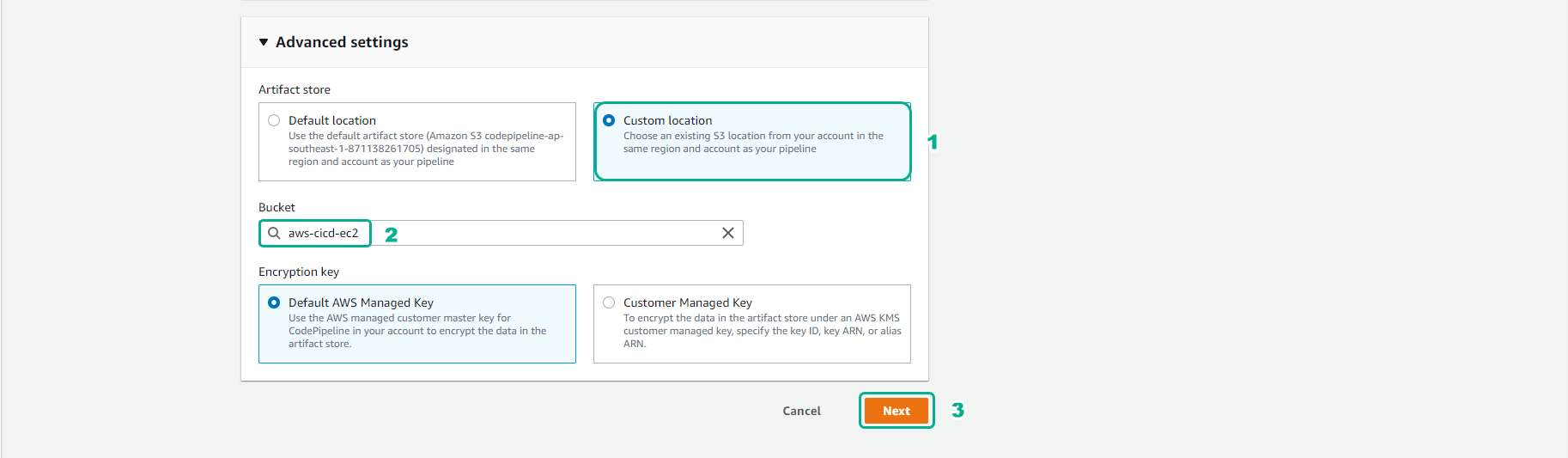
- For Choose creation option, select Build custom pipeline, then click Next.
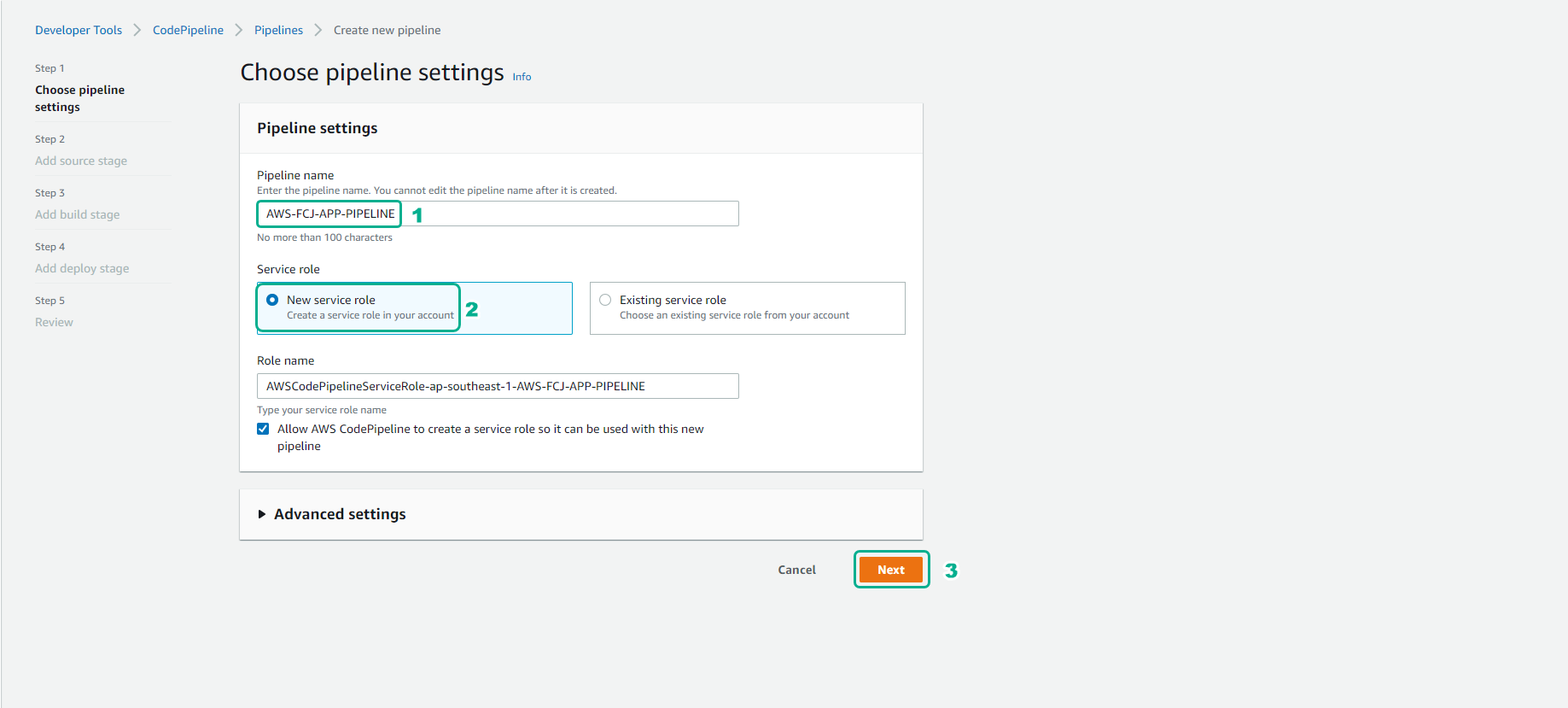
- In the Choose pipeline settings stage:
- Pipeline name: enter
FCAJ-APP-PIPELINE - Service role: choose Existing service role and select CodeDeployServiceRole.
- Click Next.
- Pipeline name: enter
Ensure that the CodeDeployServiceRole has the necessary permissions to access CodeCommit, CodeBuild, CodeDeploy, and the S3 bucket where artifacts are stored.
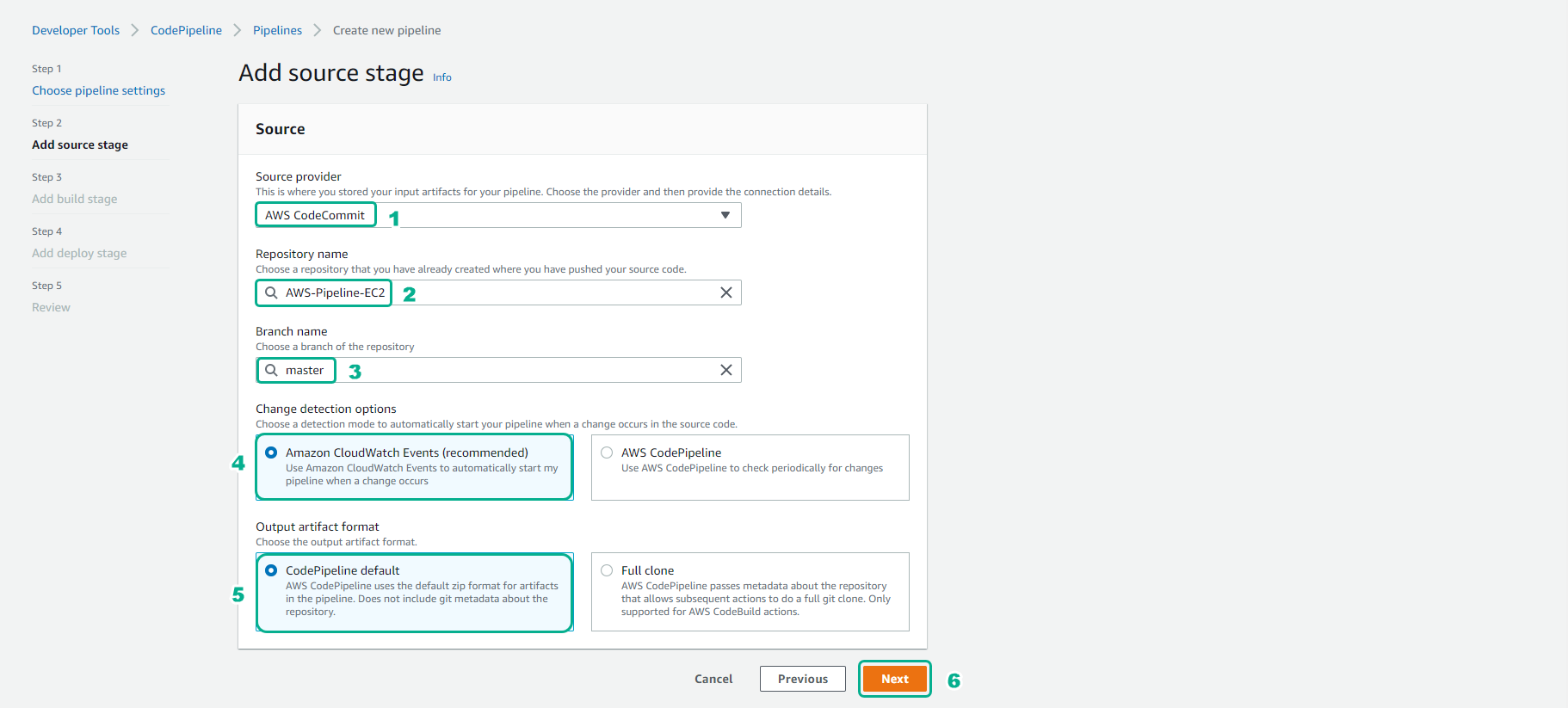
- For the Source stage
- Source provider, select AWS CodeCommit
- Repository name, select Pipeline-EC2
- Branch name, select main
- Output artifact name, select CodePipeline-default
- Select Next
The Source stage defines where CodePipeline will fetch the source code from. Every time a new commit is pushed to the main branch of your Pipeline-EC2 repository, this pipeline will be triggered automatically.
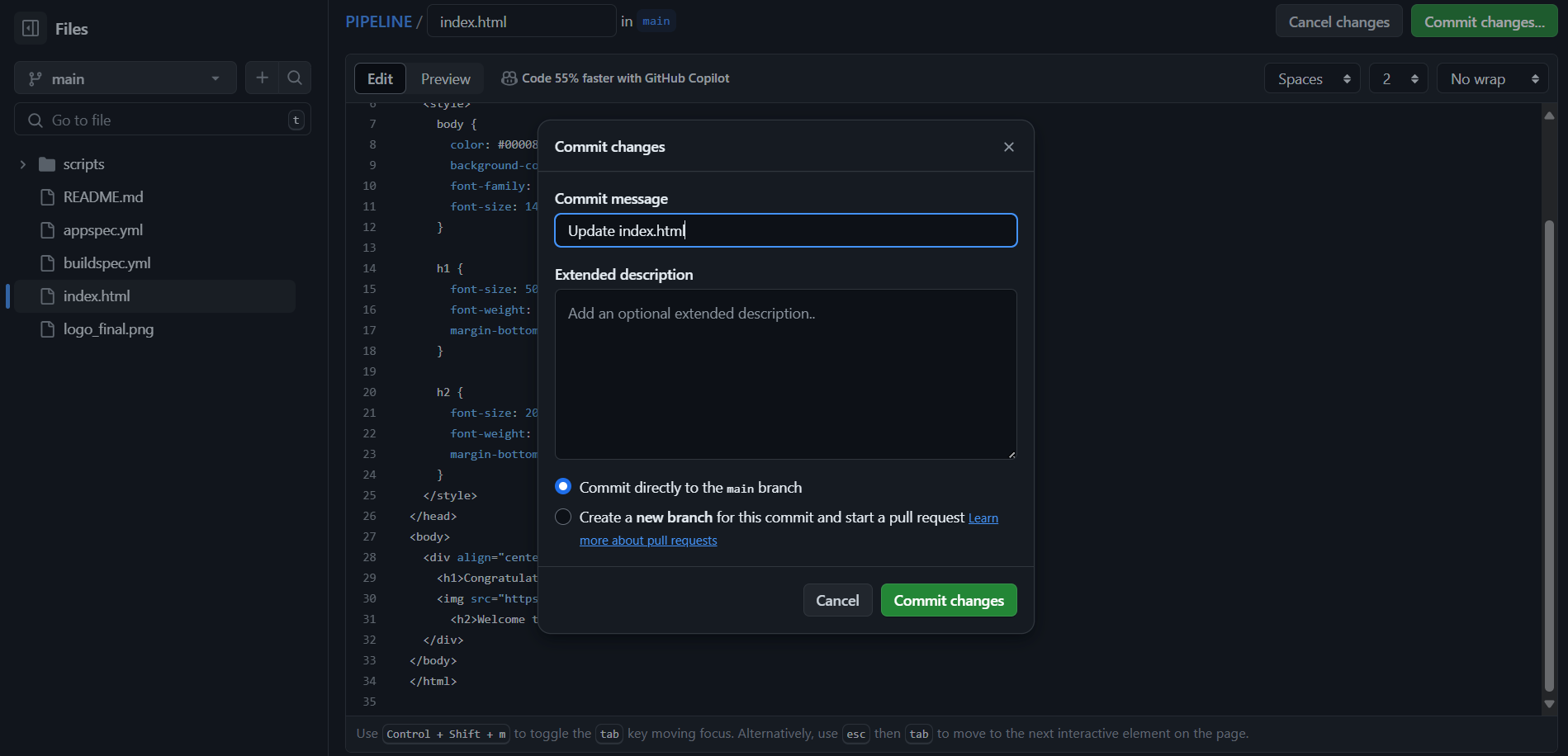
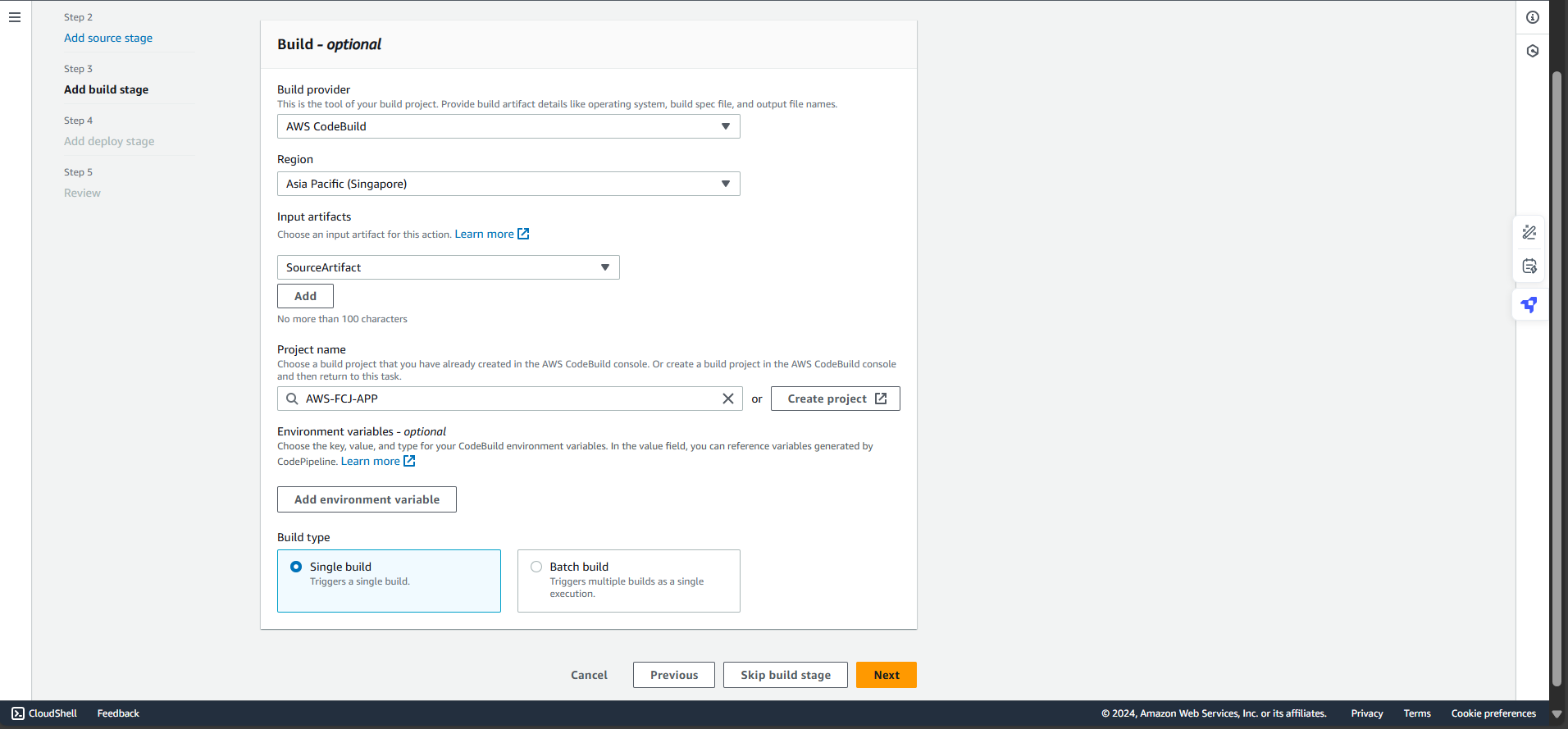
- For the Build stage
- Select Build provider as AWS CodeBuild
- Select Build type: Single build
- Select Project name that you created and build.
- Select Next
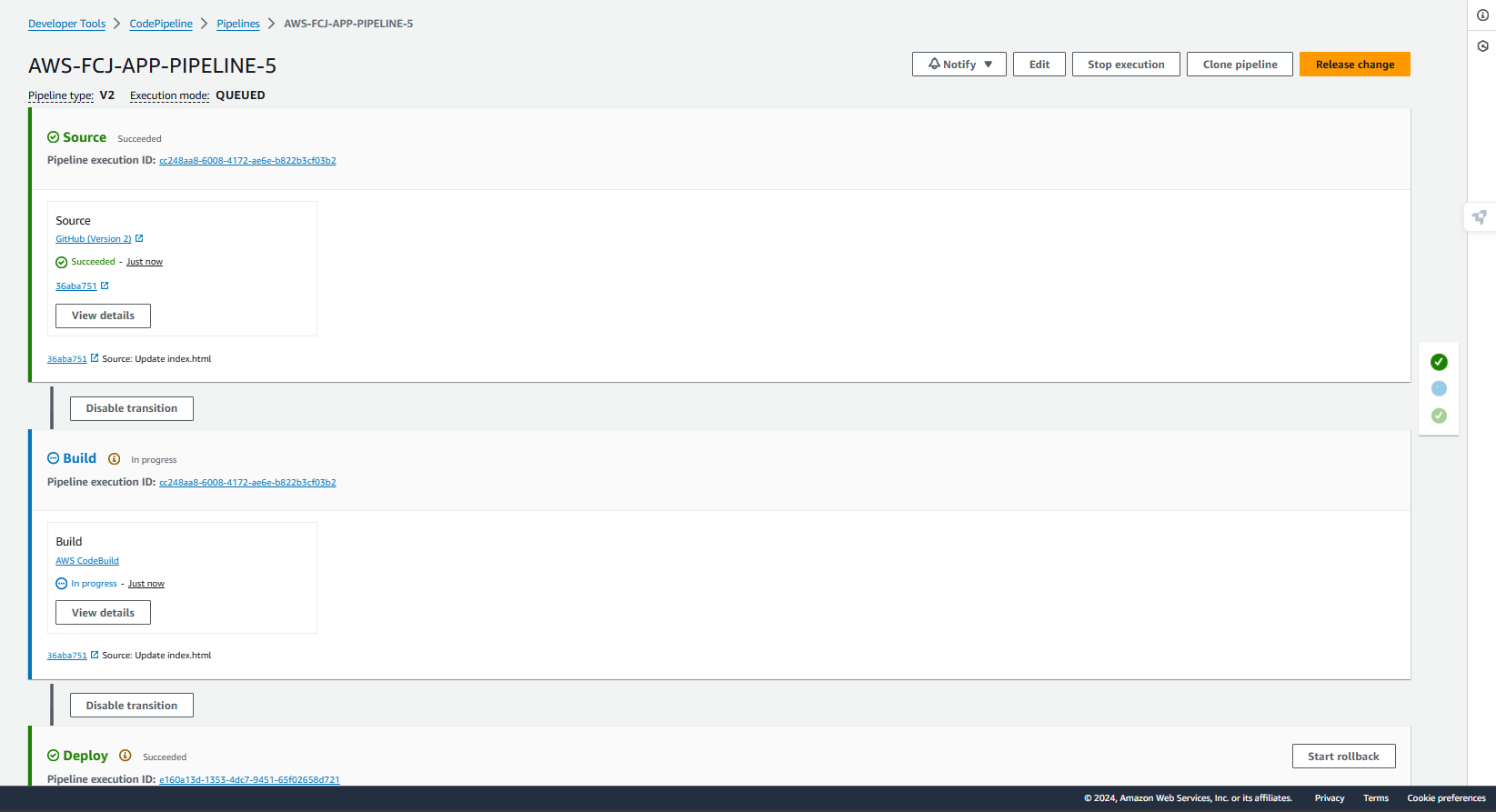
Single build: This is the standard option. It triggers one build process for your project. We use this for most applications where you just need to compile and package your code once.
Batch build: This allows you to run multiple builds at the same time (in parallel or in a sequence). This is useful for complex projects that need to be tested on different platforms or versions simultaneously.
- For Test stage
- Select Test provider as AWS CodeBuild
- Select Build type: Single build
- Select Project name that you created and build.
- Select Next
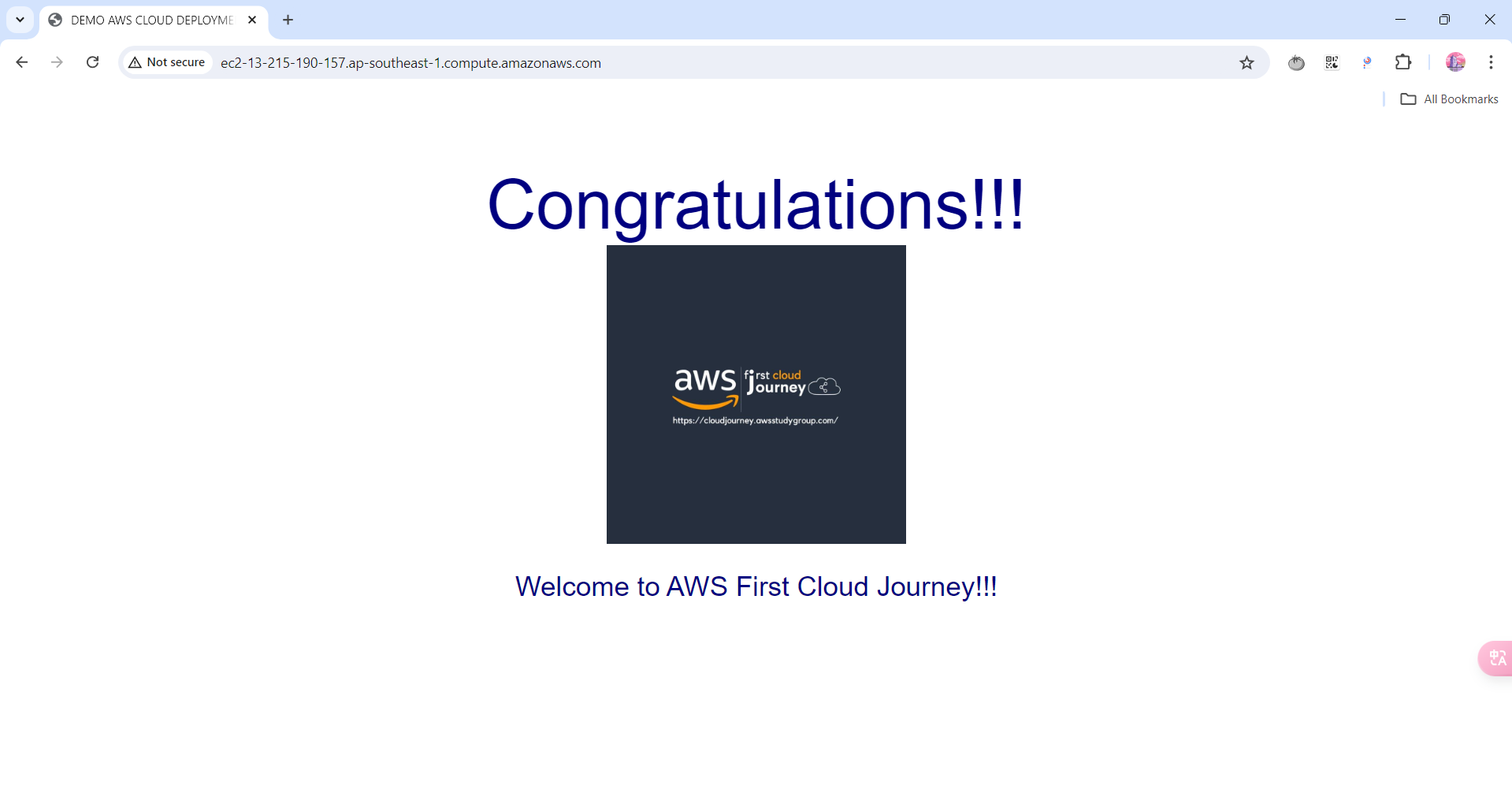
In many CI/CD pipelines, the build and test phases can be handled together within a single CodeBuild project. However, separating them into different stages in CodePipeline makes it easier to track progress and troubleshoot failures.
For Deploy stage
- Deploy provider, select AWS CodeDeploy
- Input artifacts: BuildArtifact leave it default
- Select Application name you created.
- Select Deployment group that you created
- Select Next
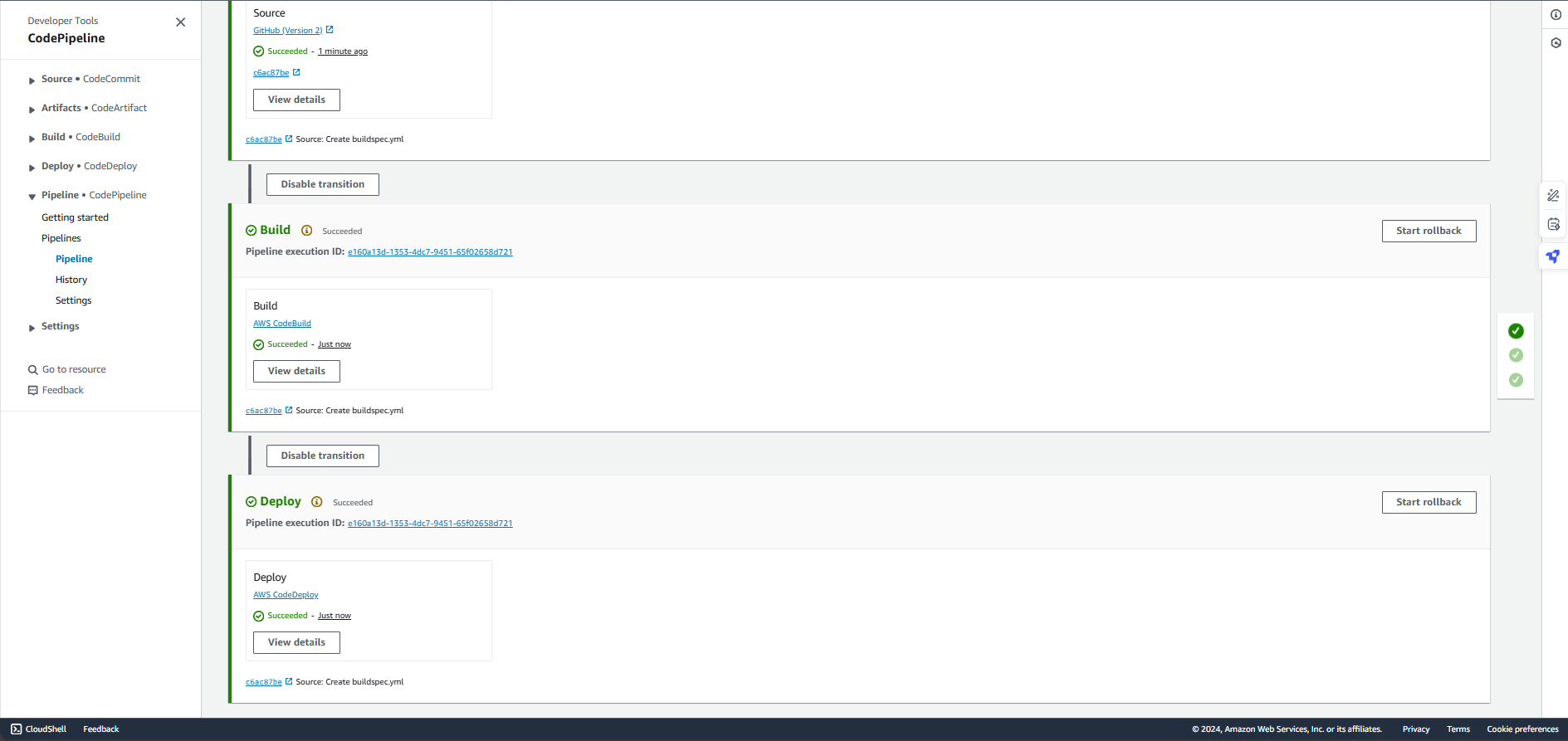
Double check the information and select Create pipeline.
Once created, the pipeline will automatically trigger its first execution. You can monitor the progress of each stage (Source, Build, Test, Deploy) directly in the CodePipeline console. If any stage fails, you can check the logs by clicking on the Details link for that specific stage.