AWS CodeBuild
We will use the AWS CodeCommit repository named Pipeline-EC2 that you prepared earlier for this demo.
AWS CodeBuild Setup
- In the search bar, type
CodeBuildand click on CodeBuild in the search results.
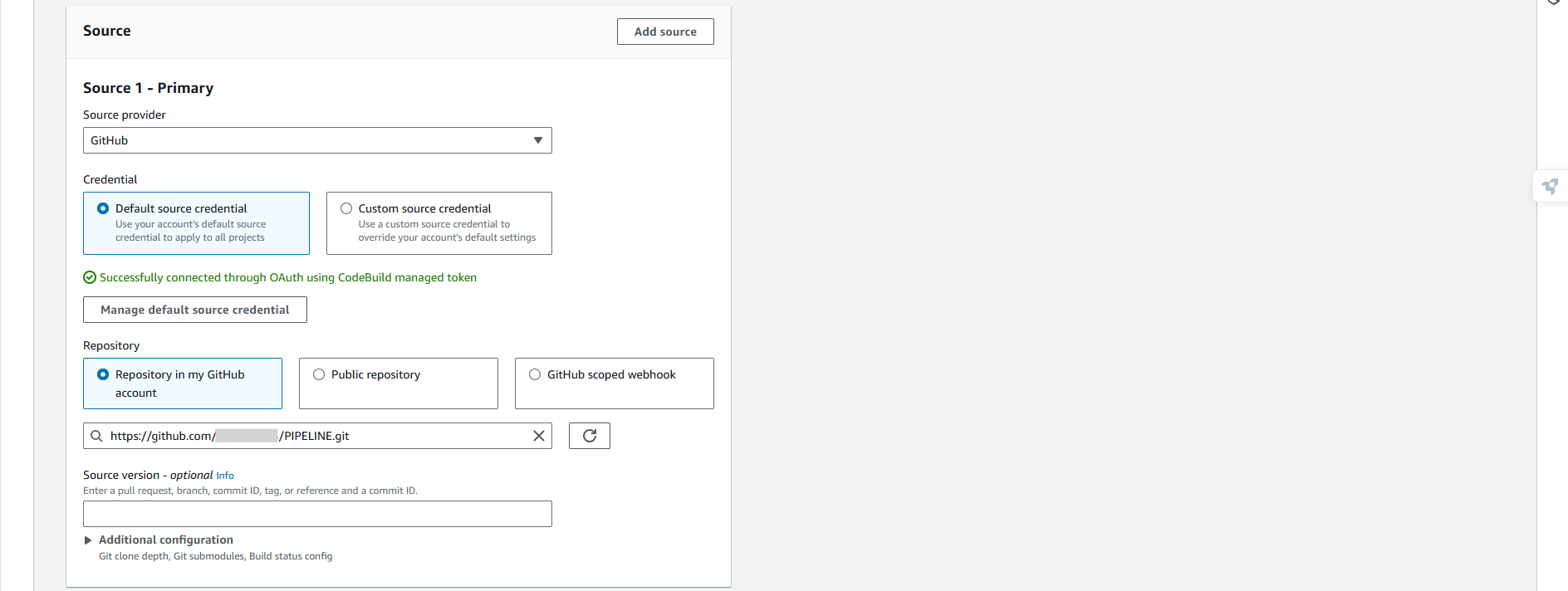
- Access the CodeBuild console, and click on Create project.
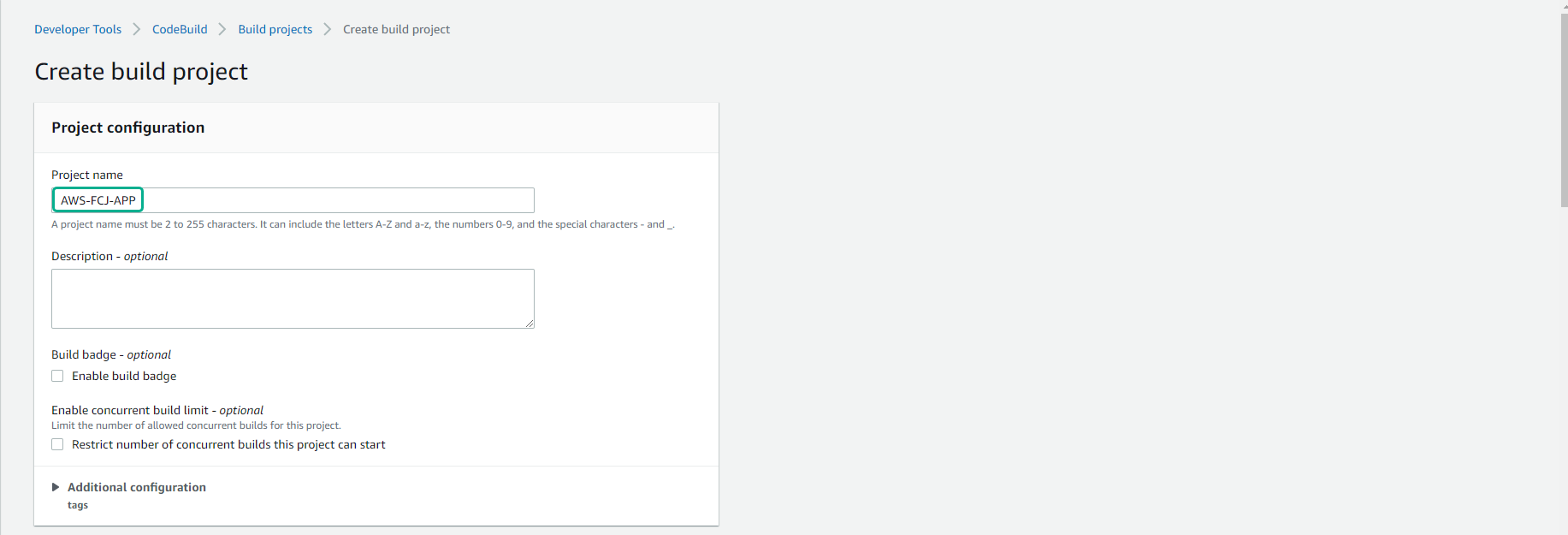
- In the Create build project interface, for Project name, enter
AWS-FCAJ-PIPELINE.
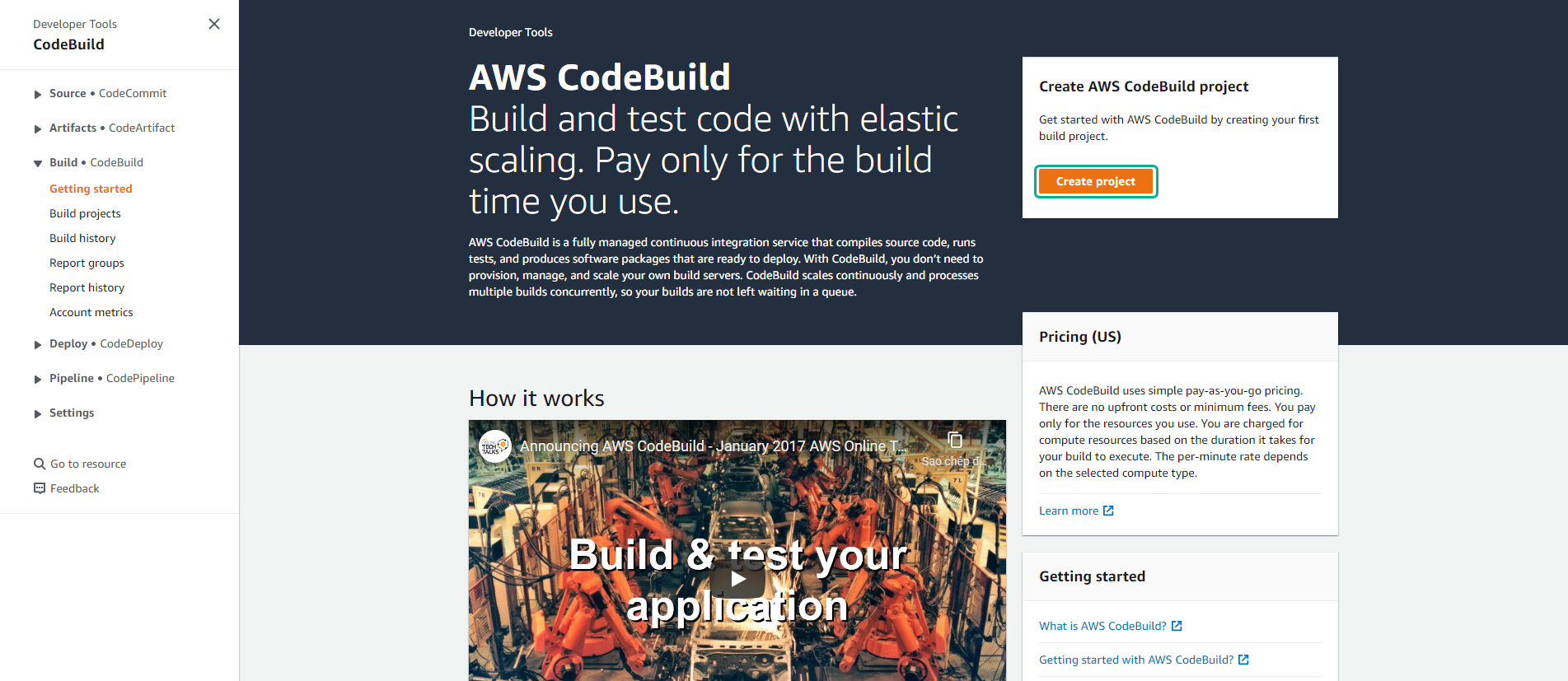
- Configure the Source field.
This demo code is simplified to help you understand the essentials of the build and deploy process.
- Source provider: AWS CodeCommit
- Repository:
Pipeline-EC2 - Reference type: Branch
- Branch:
main - Commit ID: Use latest commit ID in main branch.
Ensure your CodeBuild project is created in the same AWS Region as your AWS CodeCommit repository; otherwise, the repository will not appear in the drop-down list.
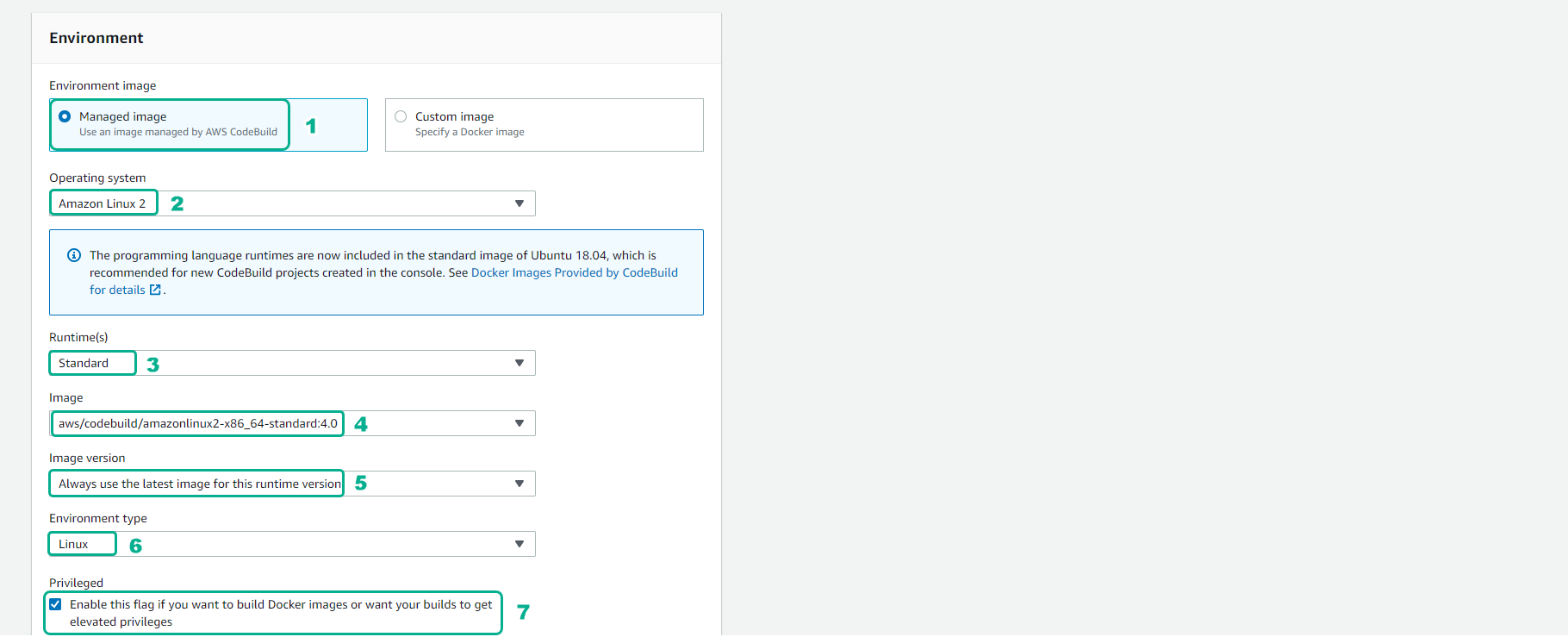
- For the Environment:
- Provisioning model: On-demand
- Environment image: Managed image
- Compute: EC2
- Running mode: Container
- Operating system: Amazon Linux
- Runtime: Standard
- Image: leave by default
- Image version: Always use the latest image for this runtime version
While Always use the latest image is convenient for lab environments, it is a best practice to use a specific image version in production to ensure build reproducibility.
- For the Service role, choose Existing service role. Choose CodeBuildServiceRole.
CodeBuild requires an IAM service role to interact with other AWS services. This role automatically includes permissions for writing to CloudWatch Logs and S3 (if you configure S3 for artifacts).

- Next, we will configure the Buildspec path. Leave it as Use a buildspec file.
The buildspec.yml file must be located in the root directory of your source repository. It contains the exact commands AWS CodeBuild will execute during the build phases (install, pre_build, build, post_build).

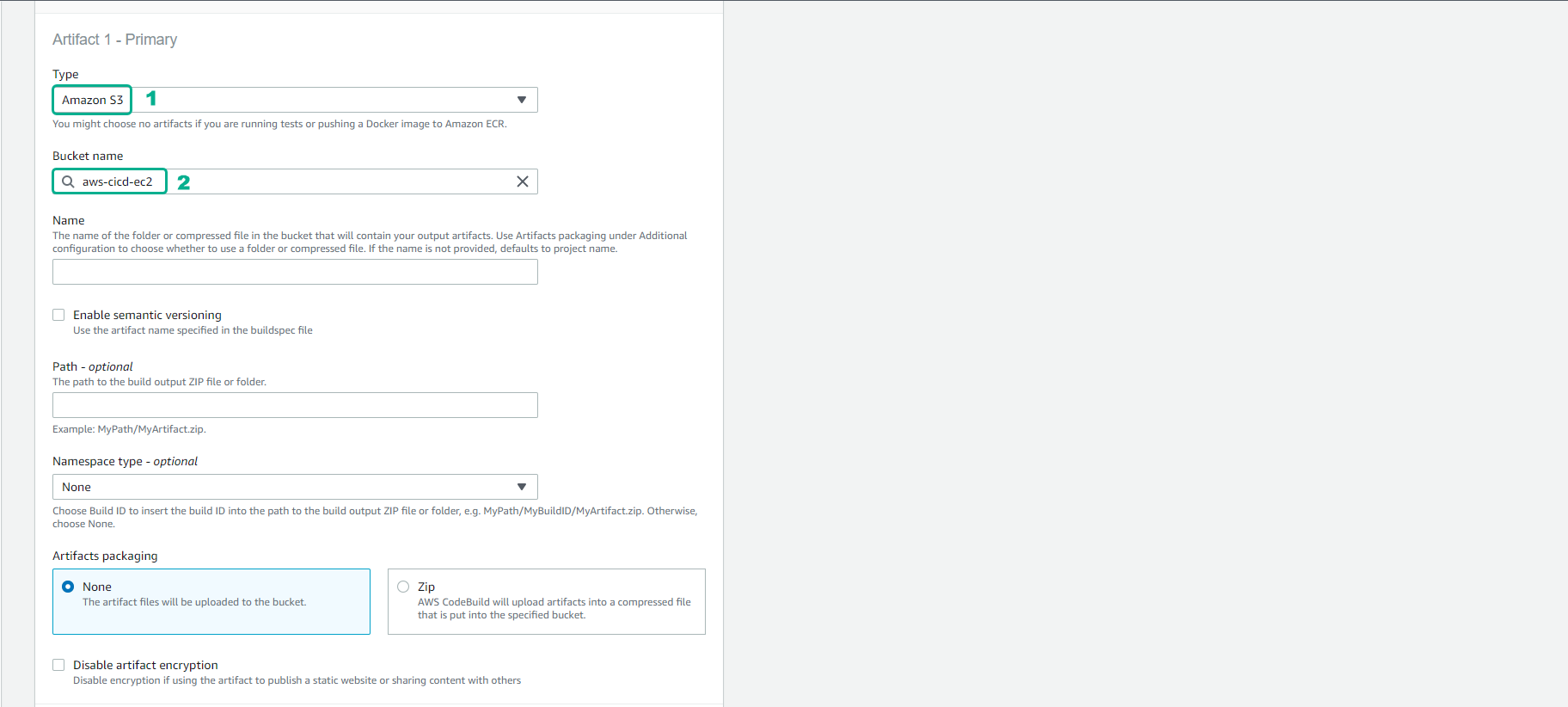
- For the Artifacts:
- Type: Amazon S3
- Bucket name: Select the S3 bucket that you created in the earlier steps.
Storing artifacts in an S3 bucket is required if you plan to use AWS CodePipeline and CodeDeploy in the next steps. Make sure the S3 bucket is in the same AWS Region as your CodeBuild project.
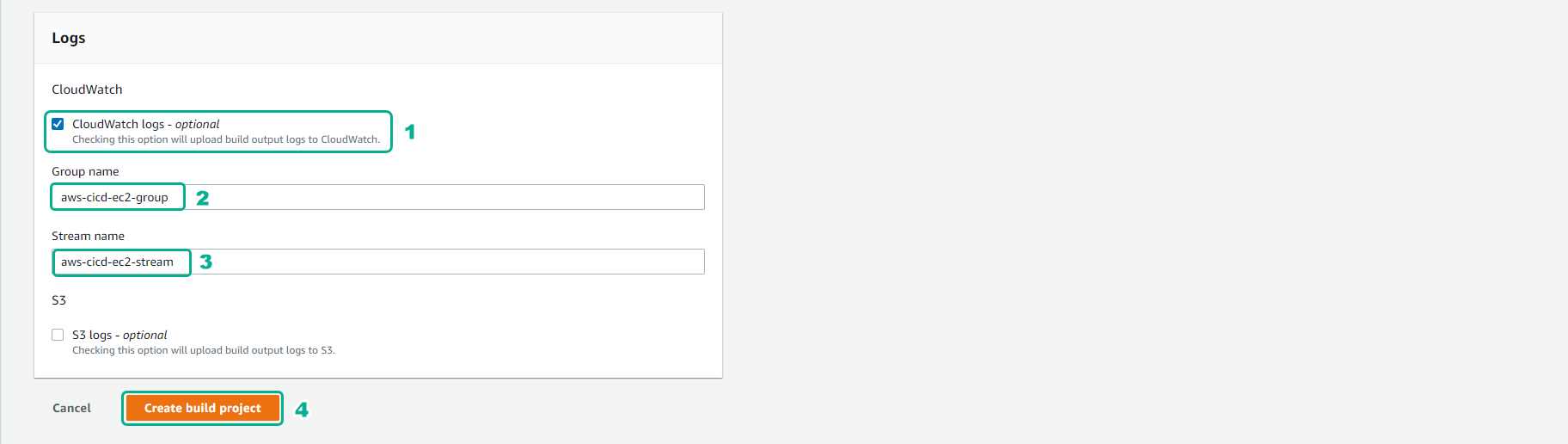
- For the Logs:
- We will use CloudWatch logs.
- Group name:
codebuild/AWS-FCAJ-PIPELINE - Scroll to the bottom and select Create build project.
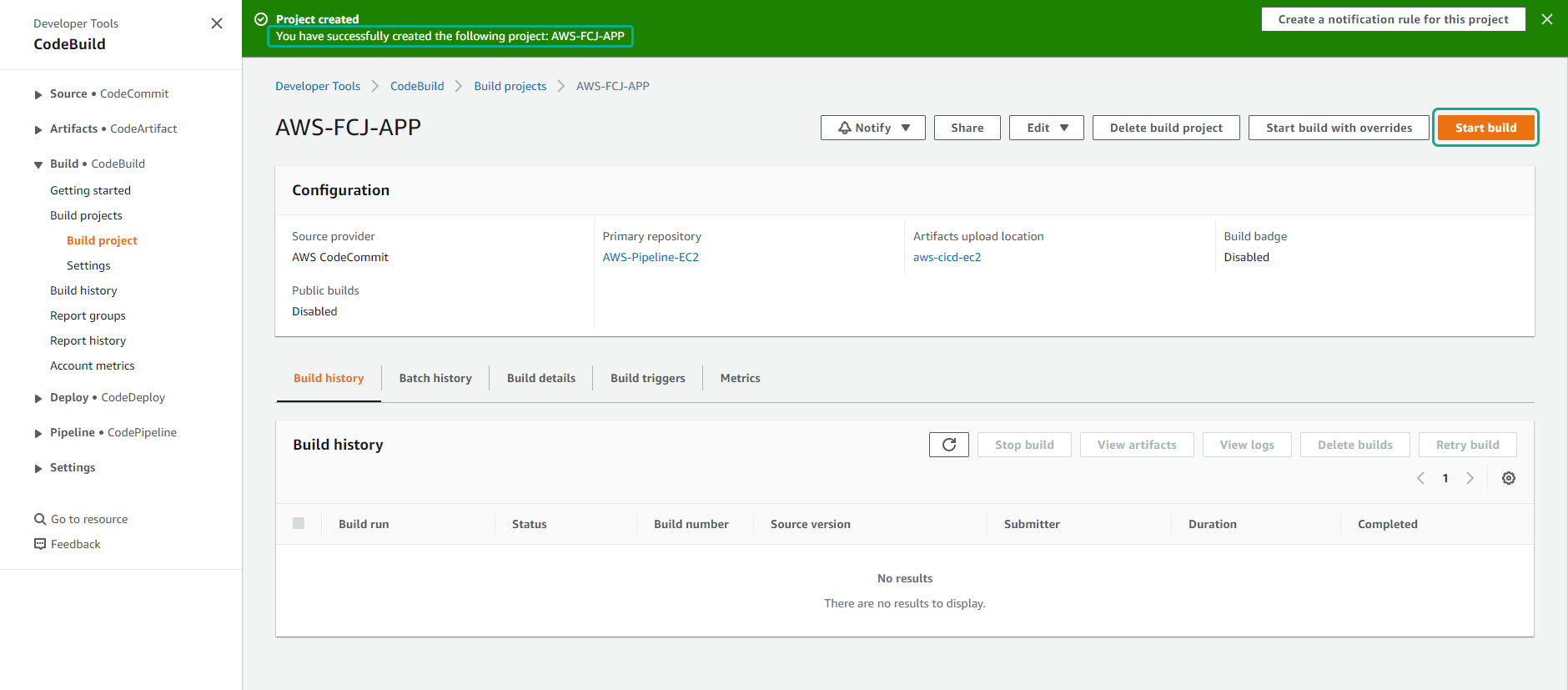
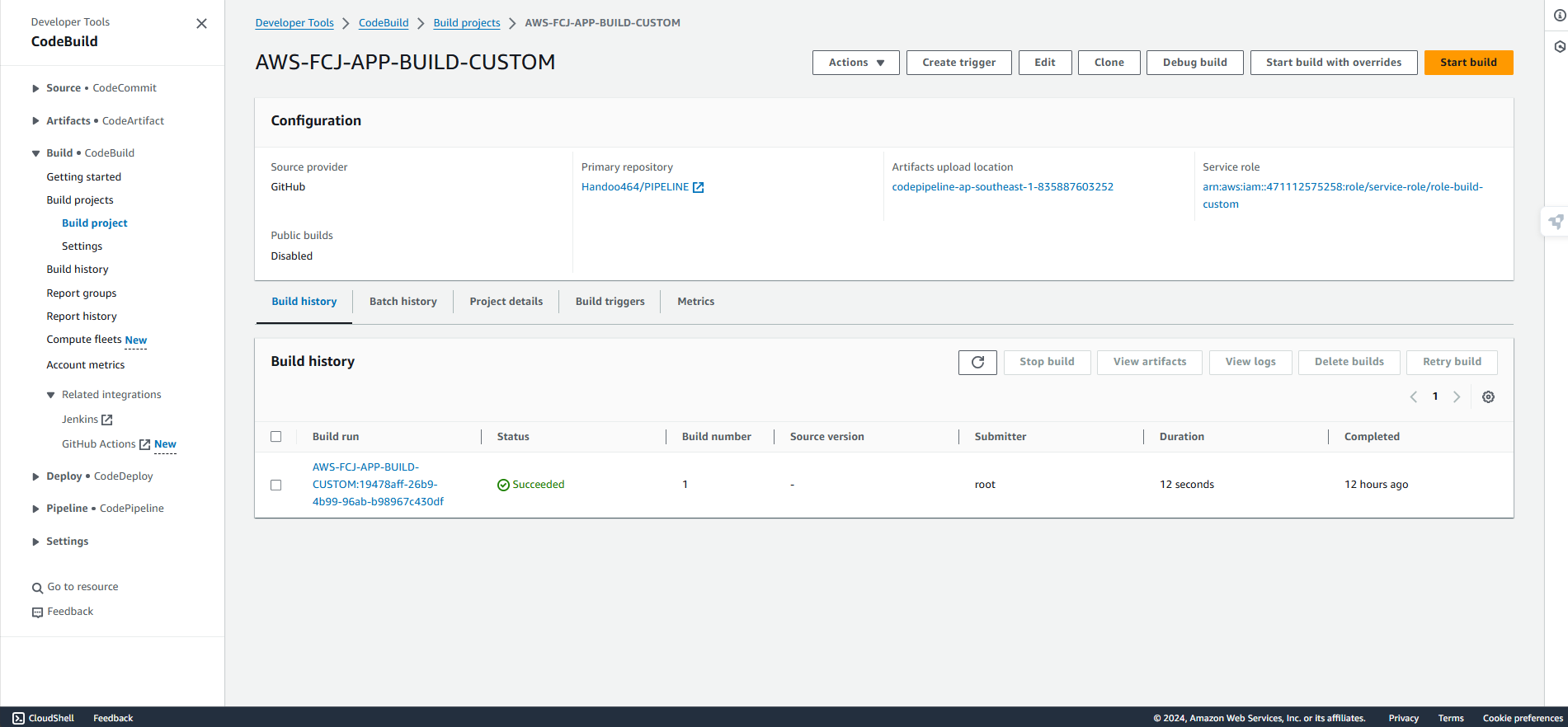
- You have successfully created the AWS CodeBuild project. To verify that the configuration is correct, you can test it by clicking Start build.
If the build fails, click on the Phase details or Build logs tab in the CodeBuild console to read the execution logs and find the cause of the error.