AWS CodeCommit
While AWS initially announced in July 2024 that CodeCommit was no longer available to new customers, they officially reversed this decision on November 24, 2025. AWS CodeCommit has returned to full General Availability (GA), and new customers can once again sign up and create repositories immediately via the AWS Console, CLI, or APIs. AWS acknowledged that the service is a critical piece of infrastructure for many organizations, especially those requiring deep IAM integration, private VPC connectivity, and CloudTrail auditing. Moving forward, AWS is not just maintaining the service but actively investing in it, with a roadmap that includes Git LFS support (planned for Q1 2026) and regional expansions into new areas like Spain and Canada starting in Q3 2026.
1. Download the Sample Source Code
Open your terminal or command prompt and run the following commands to download the source code before pushing it to AWS CodeCommit:
git clone https://github.com/datng17/FCAJ-PIPELINE-LAB23.git
cd FCAJ-PIPELINE-LAB23
This repository contains a simple web application and the appspec.yml file which is required by CodeDeploy to understand how to deploy your application to the EC2 instance.
2. Create an AWS CodeCommit Repository
- In the AWS Management Console search bar, type
CodeCommitand click on the CodeCommit service.
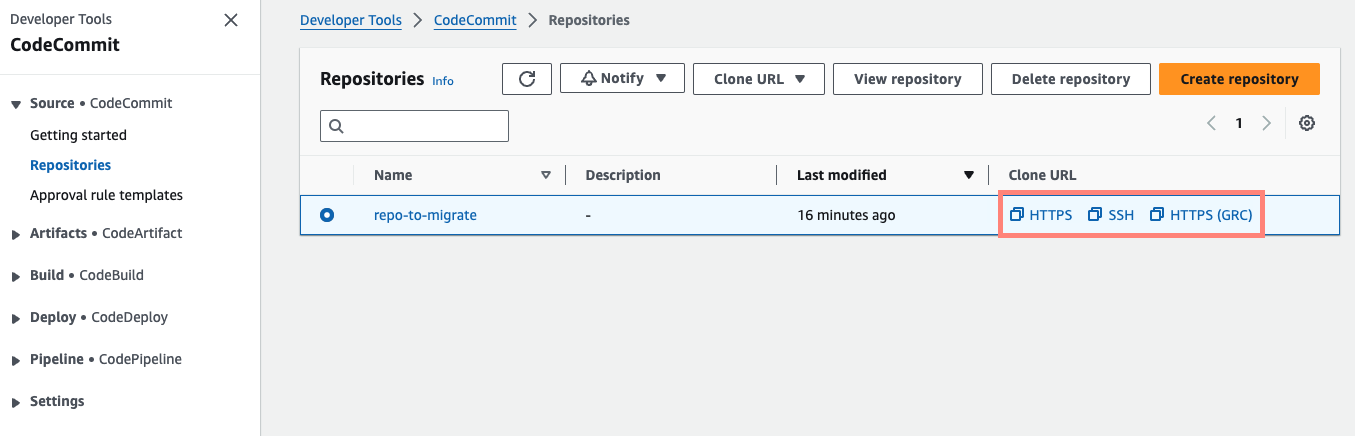
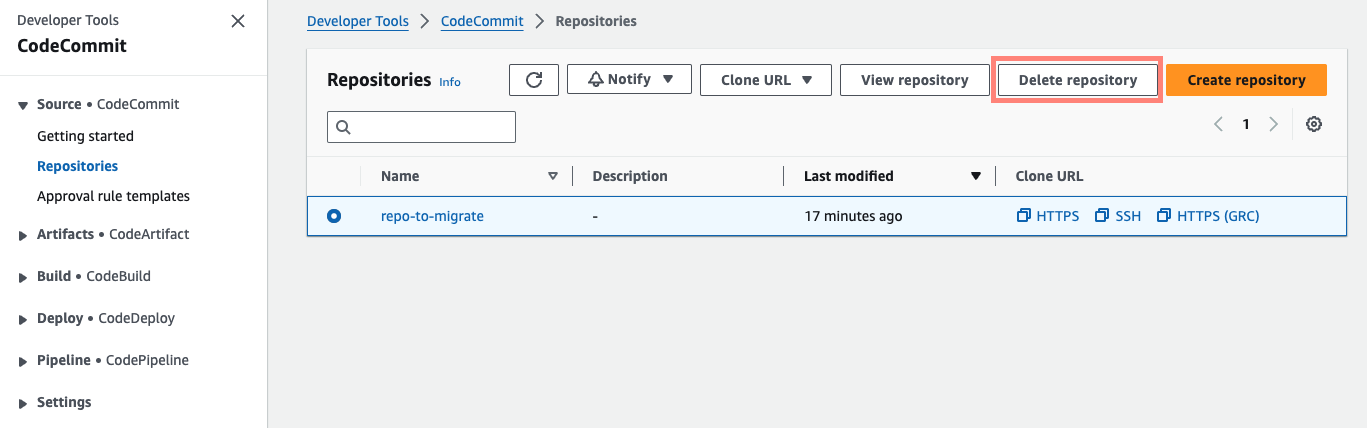
- Click on the Create repository button.
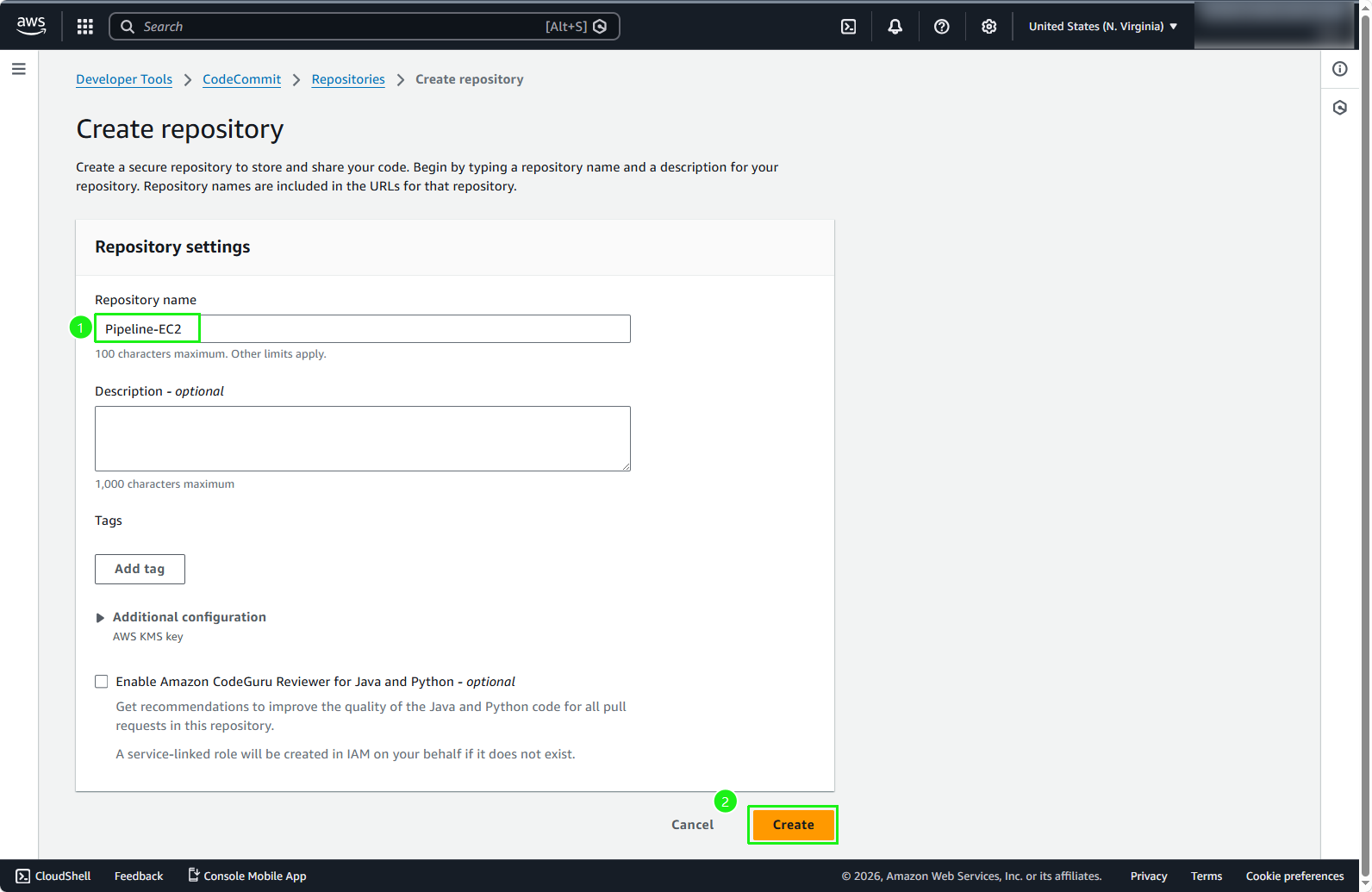
- In the Repository name field, type
Pipeline-EC2and click on Create.
You can also add a description and tags to your repository to help organize your resources, especially when you have multiple repositories in the same AWS account.
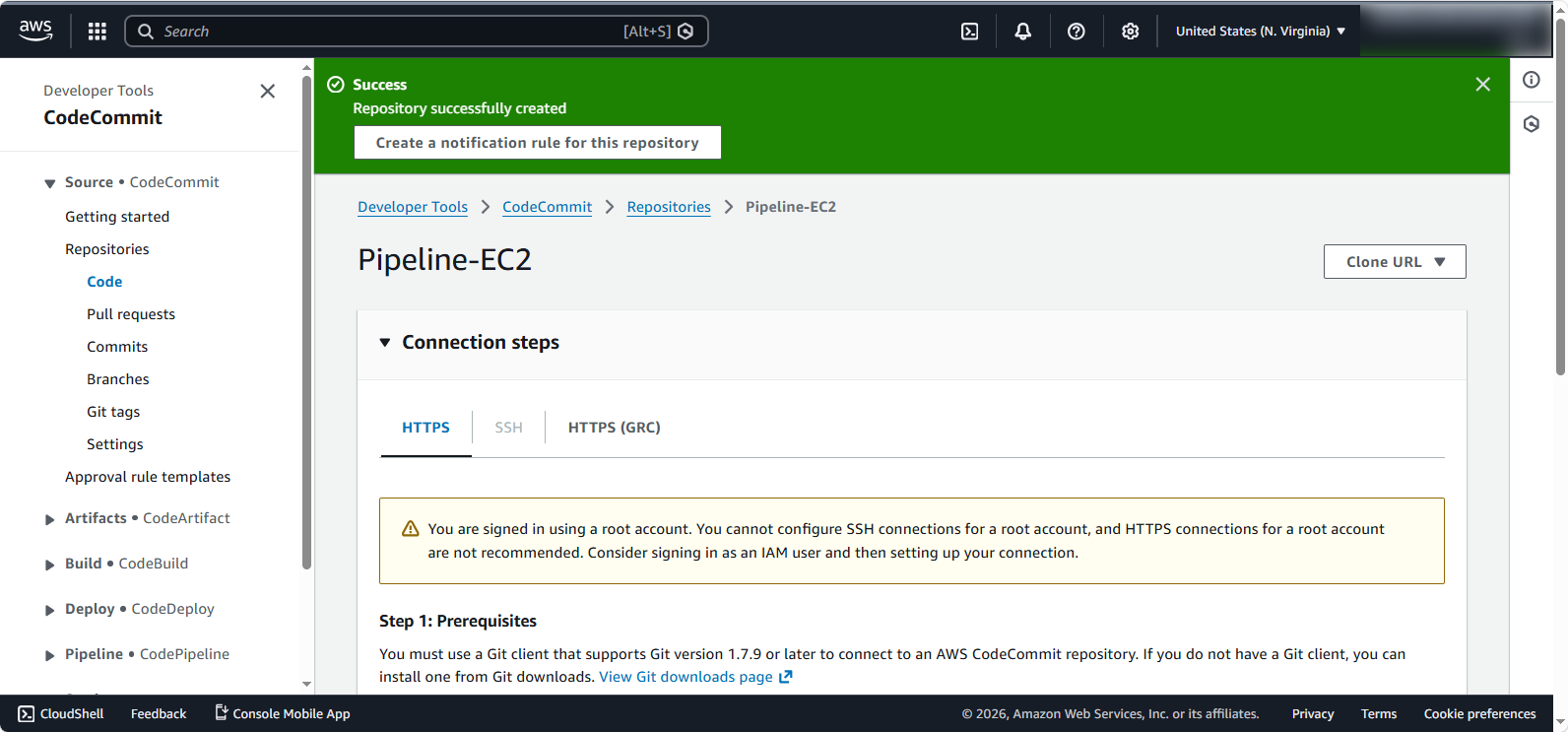
- Your CodeCommit repository is created successfully.
3. Configure Credentials (git-remote-codecommit)
To securely push code to CodeCommit without generating separate Git passwords, we will use git-remote-codecommit (GRC). This allows Git to use your AWS CLI profile credentials.
- Switch to the HTTPS (GRC) tab to view the connection details.
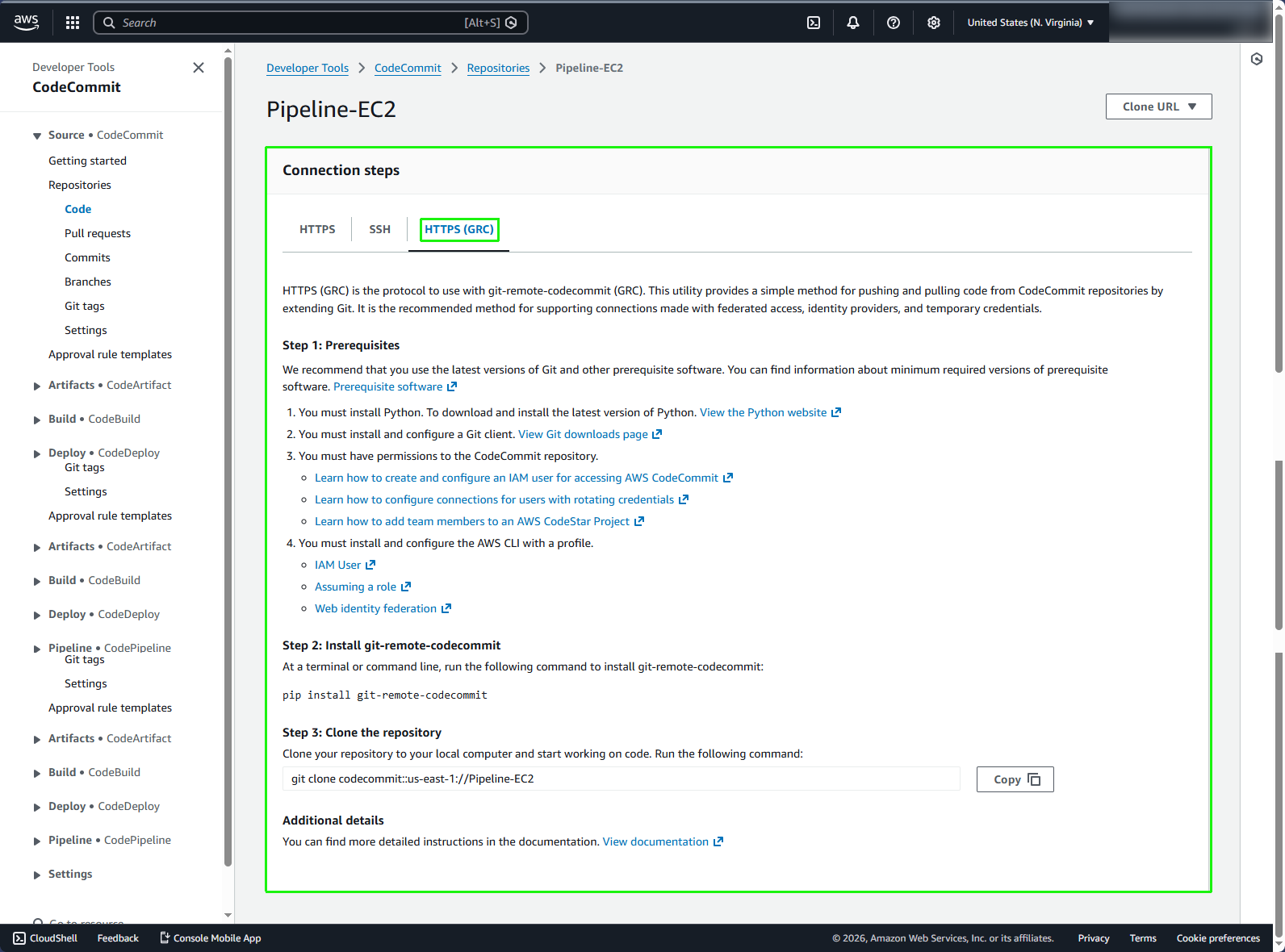
- You need the AWS CLI installed to authenticate. If you haven’t already, install the AWS CLI and configure it by running:
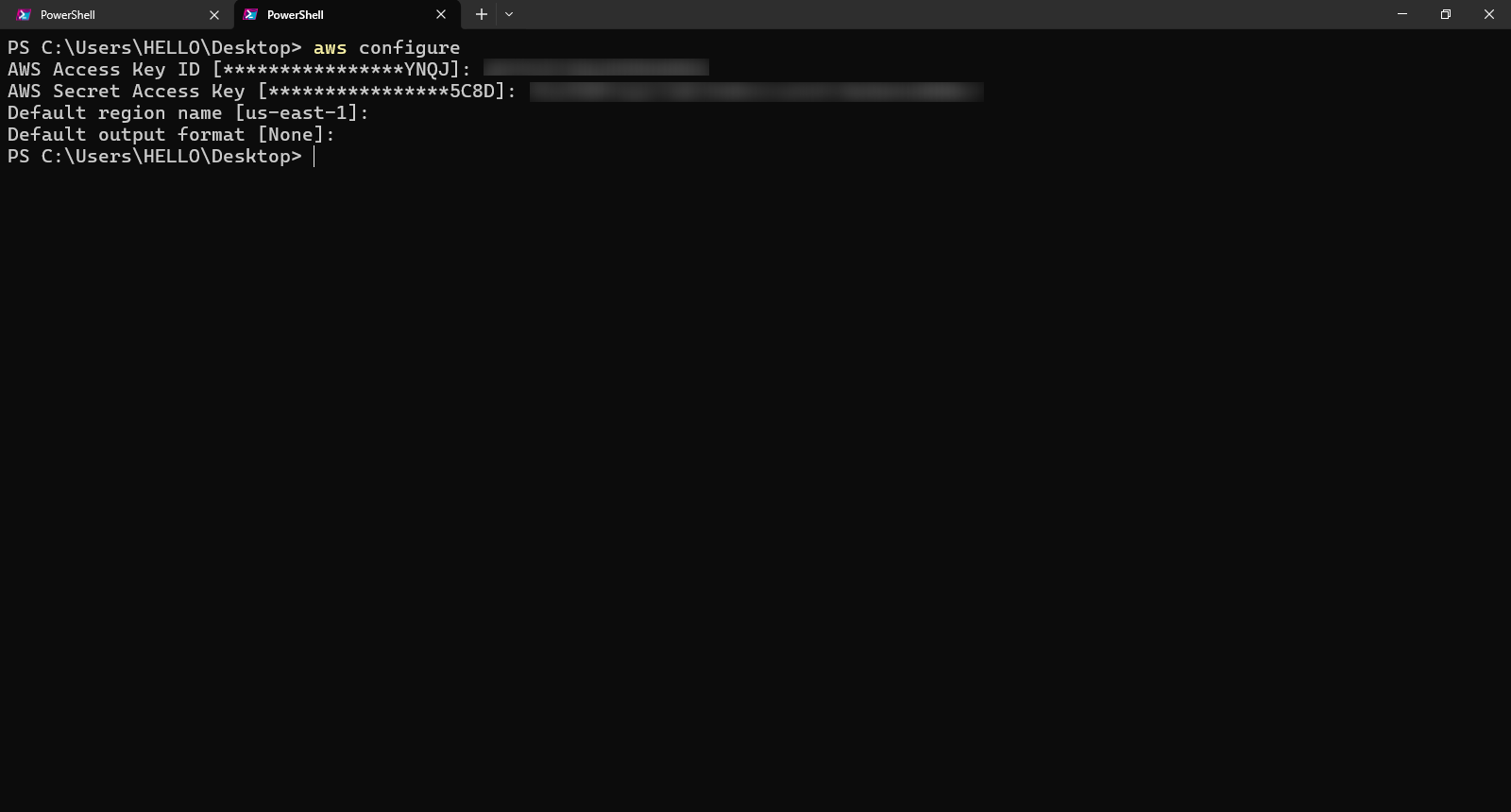
aws configure
How to generate Access keys for an IAM user? You can create Access Keys in the IAM Console under the Security credentials tab for your user. Follow the official documentation here if you need help generating them.
- Enter your AWS Access Key ID and AWS Secret Access Key when prompted. Also ensure your Default region matches the region where you created the CodeCommit repository (e.g., us-east-1).
Security Warning: Never commit your Access Keys or Secret Keys into your source code repository. If these keys are leaked, unauthorized users can access your AWS account and rack up charges.
4. Push Source Code to CodeCommit
- Ensure you have installed the
git-remote-codecommitutility usingpip(orpip3):
pip install git-remote-codecommit
- Inside your
DeployEC2local directory, run the following command to push the code to CodeCommit:
git push codecommit::us-east-1://Pipeline-EC2
Make sure to replace us-east-1 with your actual AWS region if you created your CodeCommit repository in a different region.
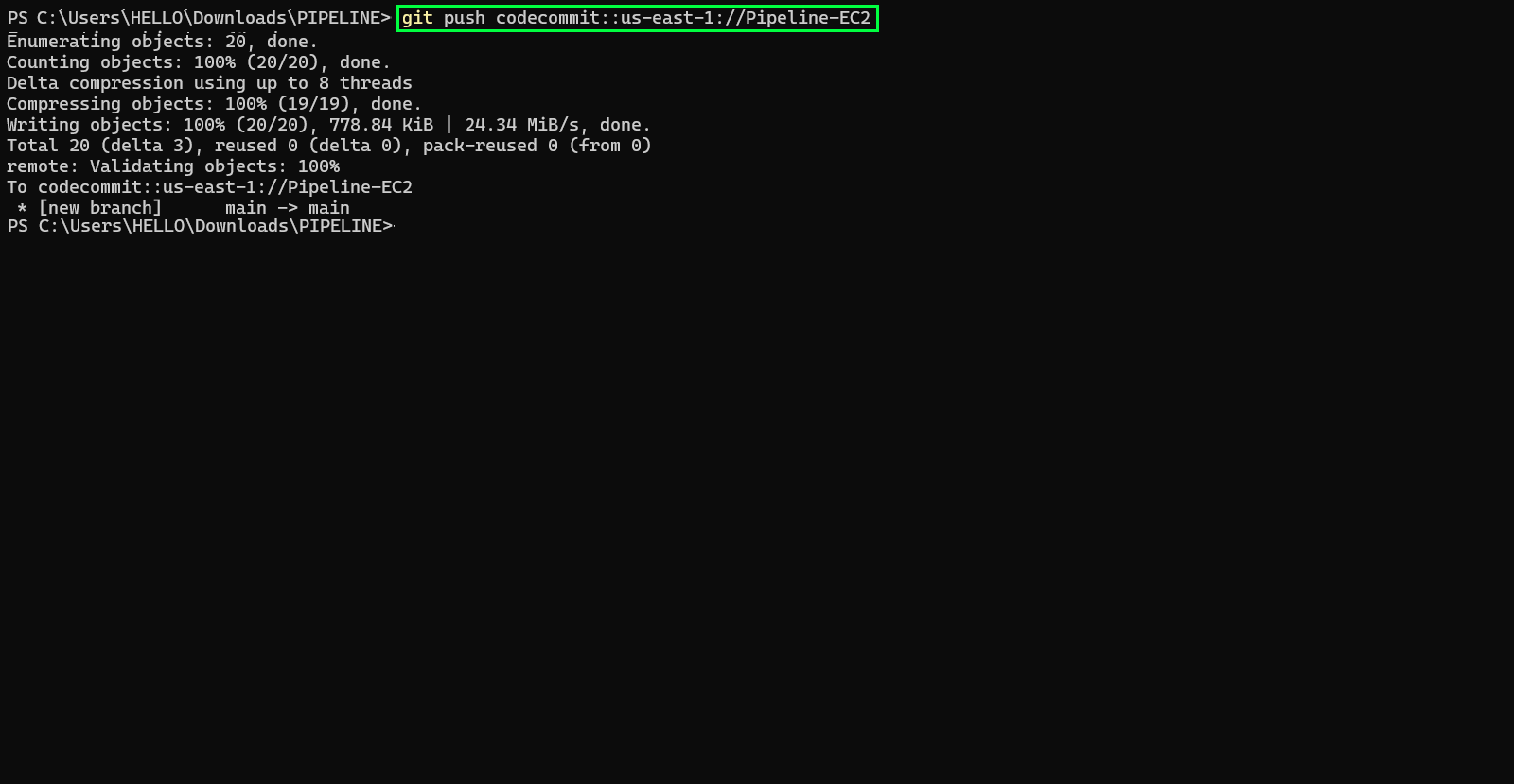
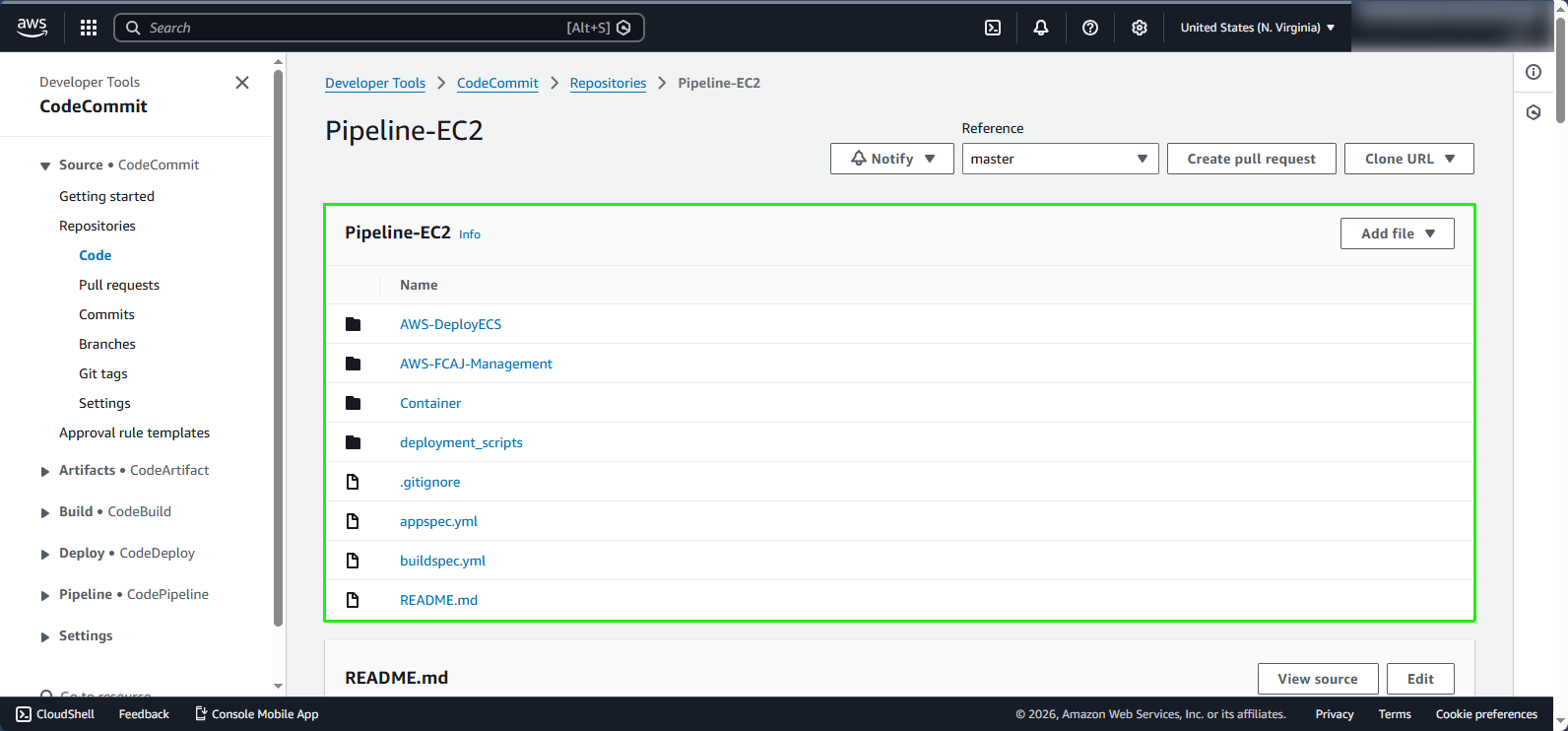
- Refresh your CodeCommit console. You should now see your files successfully pushed to CodeCommit.